Pocket Thermal Printers for Artists: Are They Actually Useful for Journaling & Design?
Can a palm-sized inkless thermal printer genuinely improve your design workflow and sketchbook journaling? Here is what they can do, their limitations, and whether one belongs in your bag.
Shamal Iroshan
September 28, 2026 3 min read
The Charm of Instant Tactile Printing
In an era where almost all design work lives behind glass retina displays, there is something deeply satisfying about holding physical paper in your hands. But firing up a bulky desktop inkjet printer just to print a tiny design thumbnail, reference photo, or journal sticker is tedious, noisy, and expensive on ink.
Over the past two years, pocket thermal printers like the Phomemo M02 have exploded across design Pinterest, bullet-journal communities, and art TikTok.
Are these miniature gadgets merely disposable toy novelties, or do they offer genuine utility for working creatives? Here is what you need to know before buying one.
How Pocket Thermal Printers Work
Unlike standard desktop printers that spray microscopic droplets of liquid ink, thermal printers use heat-sensitive paper and a micro-thermal print head:
- Zero Ink, Ribbons, or Toner: The chemical dye is embedded directly inside the paper emulsion. As the thermal head applies precision heat, black pigments activate instantly. You will never buy replacement ink cartridges.
- Bluetooth Battery Operation: Connected over Bluetooth to your phone or tablet via an app, these devices fit easily into a pocket or pencil case and run off rechargeable USB batteries.
- Continuous Adhesive Rolls: Most pocket printers use continuous sticker rolls. You can print a tiny 1-inch icon or a 10-inch panoramic banner, and the built-in serrated edge tears it cleanly at any length.
Genuine Creative Uses for Designers & Illustrators
Here is how I and other visual artists actually incorporate pocket thermal printers into daily workflows:
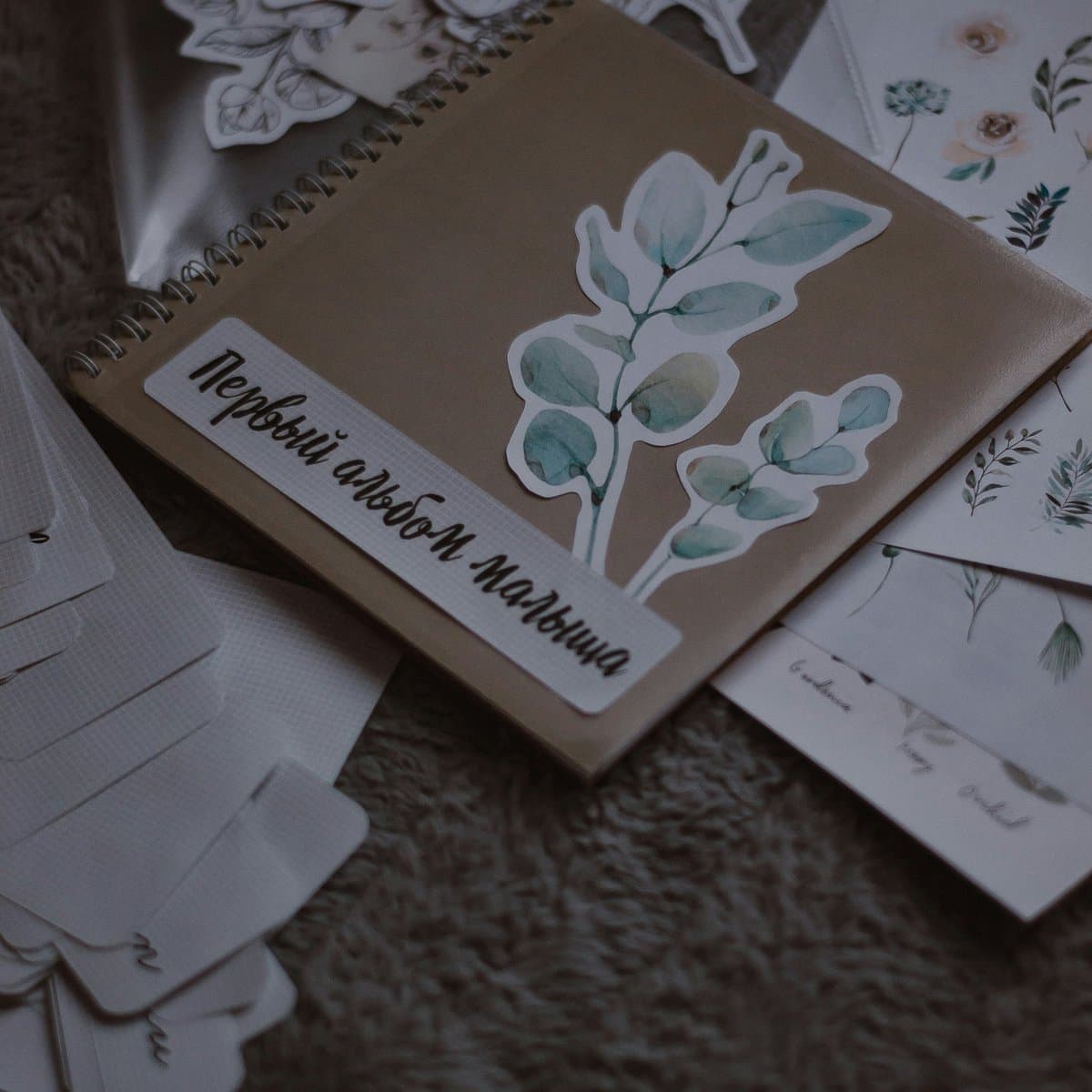
- Sketchbook Reference Printing: When working on an analog illustration or vector logo concept, take a photo of your color palette or reference object, print a 2x2" monochrome sticker in five seconds, and slap it straight onto your sketchbook page.
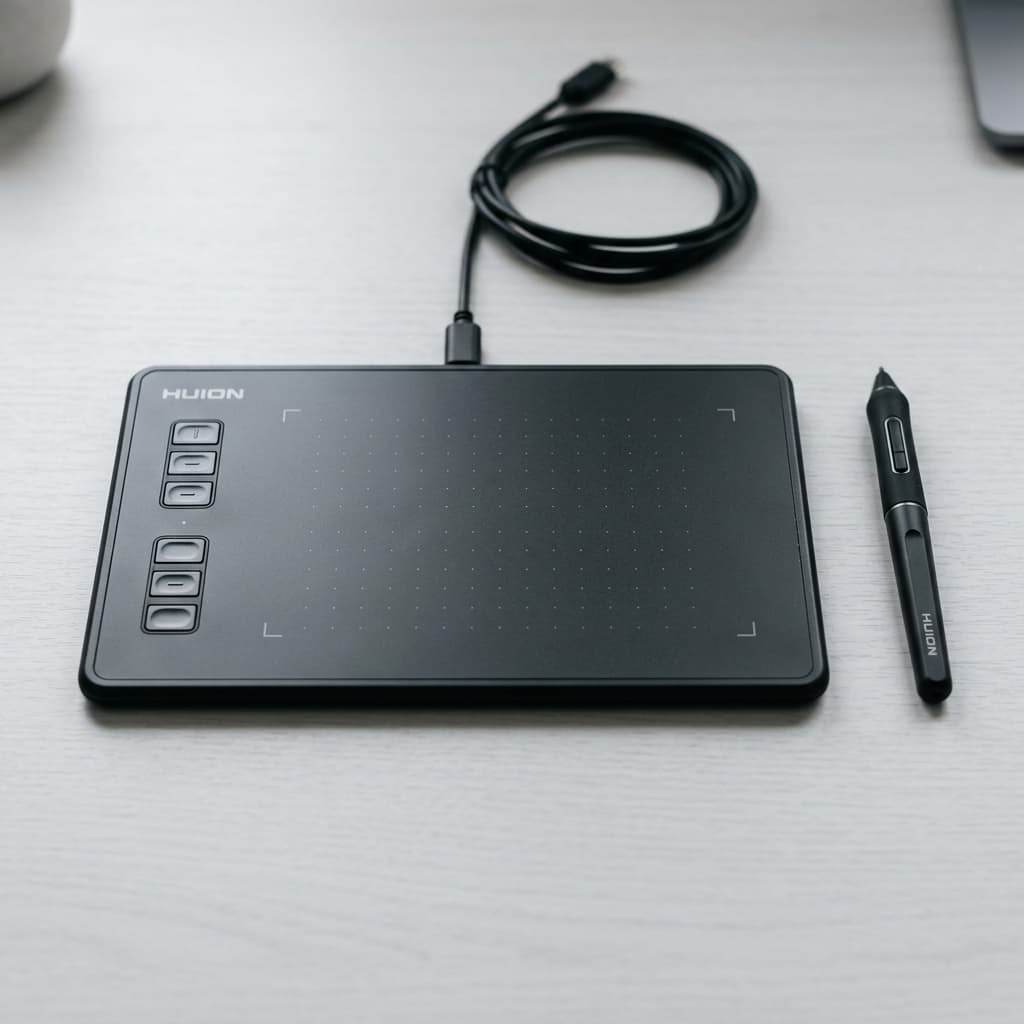
- Digital Thumbnails to Analog Review: If you sketch digitally on an iPad or tablet like the Huion Inspiroy H430P, printing out micro-versions of your digital compositions helps you evaluate tonal contrast and visual hierarchy without screen glow bias.
- Custom Swatches & Packaging Tags: Print custom barcode stickers, aesthetic brand seals, or thank-you tags for client deliveries or small-batch shop merchandise.
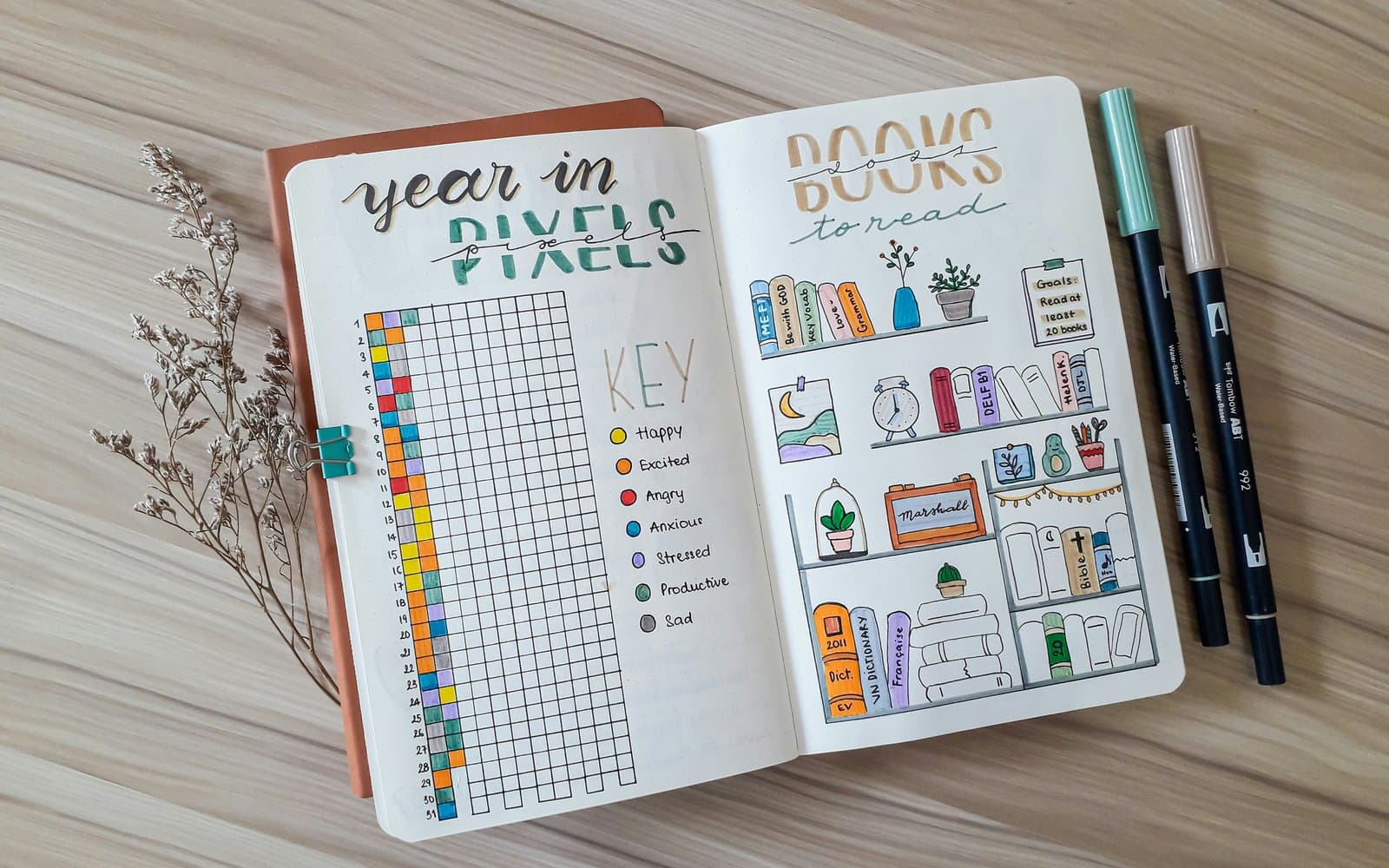
- Bullet Journal Spreads & Habit Trackers: Create custom grid calendars, daily check-lists, and motivational quotes to customize your planner without handwriting repetitive layouts.
The Realistic Limitations
To keep your expectations grounded, understand what a thermal printer cannot do:
| Advantage | Limitation |
|---|---|
| No ink costs ever | Strictly monochrome (black on white/color paper) |
| Instant pocket portability | 203 DPI resolution (charming vintage look, not glossy photo lab grade) |
| Continuous peel-and-stick | Thermal prints can fade if left in direct scorching summer heat |
Verdict: Who Should Get One?
If you expect to print full-color glossy photo albums, this is not the tool for you.
However, if you love bullet journaling, analog sketchbooking, scrapbooking, or quick tactile brainstorming, the Phomemo M02 Pocket Printer is one of the most delightfully addictive and affordable creative gadgets you can toss into your everyday carry bag.
Mentioned in this guide
As an Amazon Associate I earn from qualifying purchases. Price and availability are shown on Amazon and can change.