Budget vs Premium Drawing Tablets: What Actually Matters
Premium tablets cost more for real reasons — but not the reasons most people assume. Here's what actually changes with price.
Shamal Iroshan
September 28, 2026 2 min read
The real question isn't price — it's what you're giving up
"Budget vs premium" gets framed as a quality question, but for drawing tablets it's really a features-you'll-actually-use question. Here's what changes as the price goes up, and what doesn't.
What budget tablets get right
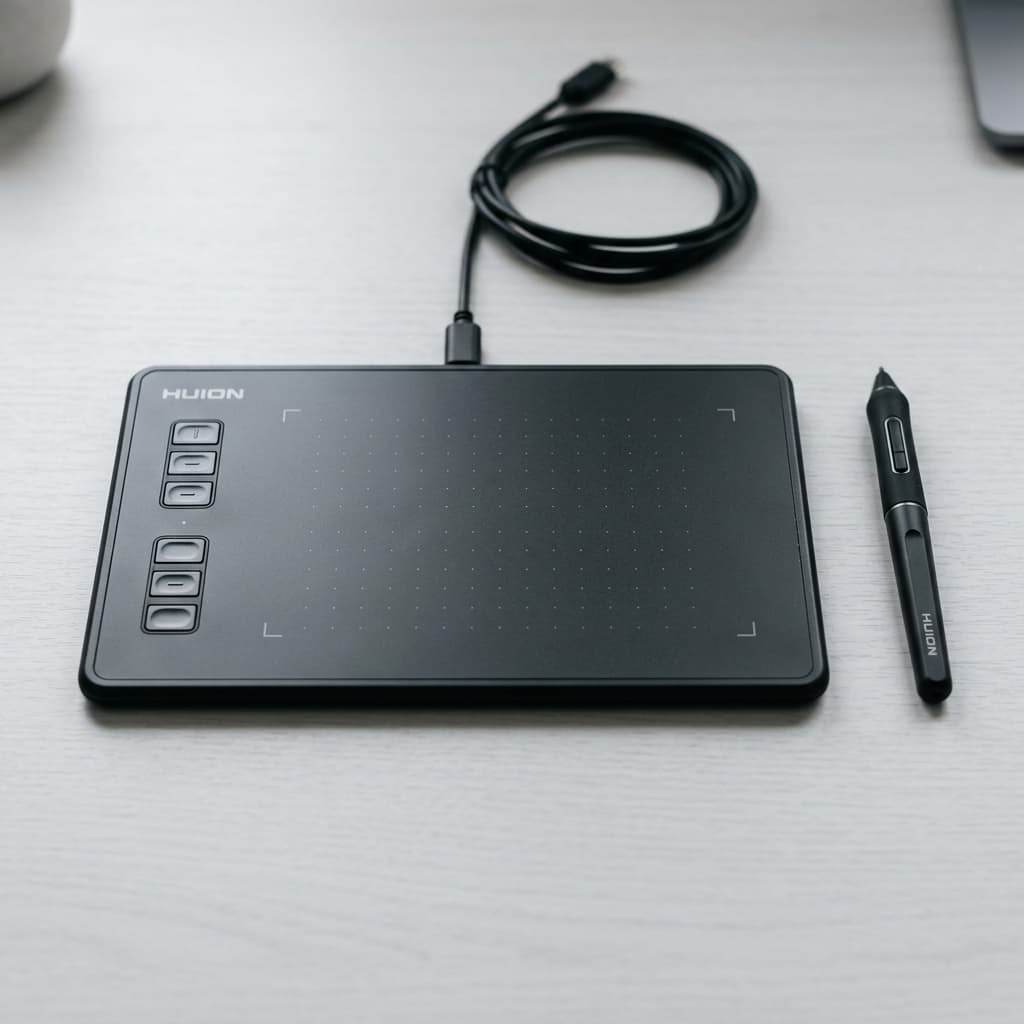
Entry-level tablets like the Huion Inspiroy H430P now ship with the same core pressure-sensing technology as tablets three times the price. 8,192 levels of pressure, a battery-free pen, and solid driver support are no longer premium-only features — they're the current baseline. If your work is sketching, comics, or learning digital art fundamentals, a budget pen tablet does everything a premium one does for the actual drawing itself.
Where premium tablets pull ahead
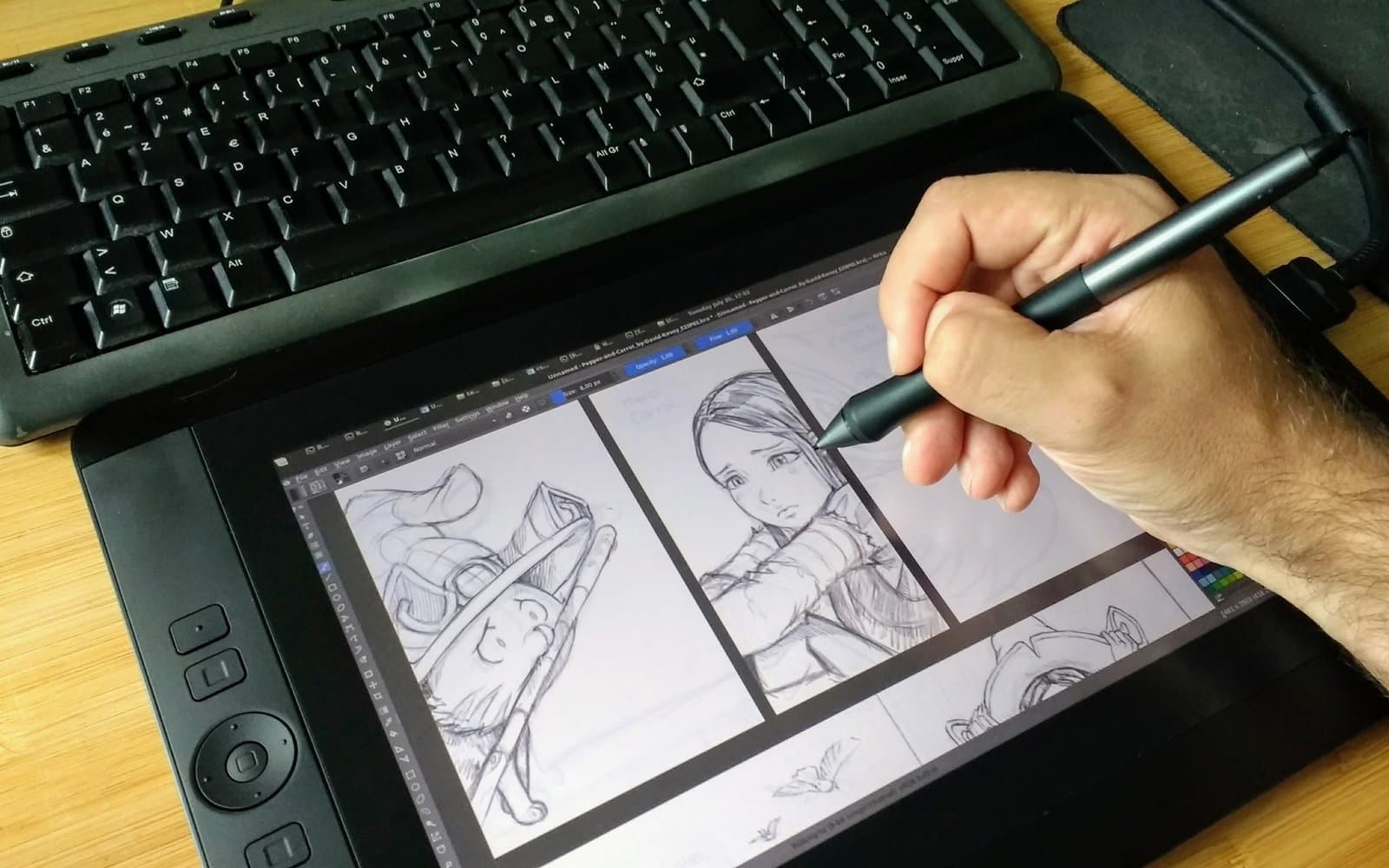
- Screen integration. Premium pen displays let you draw directly on the image, which shortens the learning curve but adds significant cost and a second display to manage.
- Build materials and durability. Aluminum bodies, higher-cycle-rated pen nibs, and better long-term reliability under daily professional use.
- Larger, more consistent active areas. Bigger surfaces with tighter calibration edge-to-edge, which matters more for large-canvas professional illustration than for sketching.
- Bundled software and warranty support. Premium tablets often bundle a license for professional software and offer longer, faster-response warranty support.
What doesn't actually change
Pressure sensitivity numbers plateau — going from 8,192 to 16,384 levels is not something your hand can perceive. Tilt recognition exists on both budget and premium tablets now. And driver stability, historically a premium-only advantage, has mostly caught up across the board for tablets from established brands.
Paying more buys you screen integration, materials, and support — not better line quality. Line quality is mostly you.
Who should actually spend more
If you're already working professionally and a screen display measurably speeds up your workflow, or you need the durability for eight-hour daily sessions, the premium tier earns its price. If you're deciding whether digital art is for you, or working in a style that doesn't need on-screen drawing, a tablet like the Huion above gets you 90% of the experience for a fraction of the cost.
Bottom line
Buy budget first. Upgrade to premium only once you know exactly which premium feature you're missing — not before.
Mentioned in this guide
As an Amazon Associate I earn from qualifying purchases. Price and availability are shown on Amazon and can change.