How to Choose Your First Drawing Tablet
Bigger isn't better. Here's how to actually pick a first drawing tablet without overspending on specs you won't use.
Shamal Iroshan
September 28, 2026 2 min read
Why your first tablet matters more than you'd think
Picking a drawing tablet feels like it should be simple — bigger is better, right? Not quite. The tablet that gets you drawing every day is usually smaller, cheaper, and less intimidating than the one that looks impressive in a spec sheet. Here's how to actually choose.
1. Decide between a pen tablet and a pen display
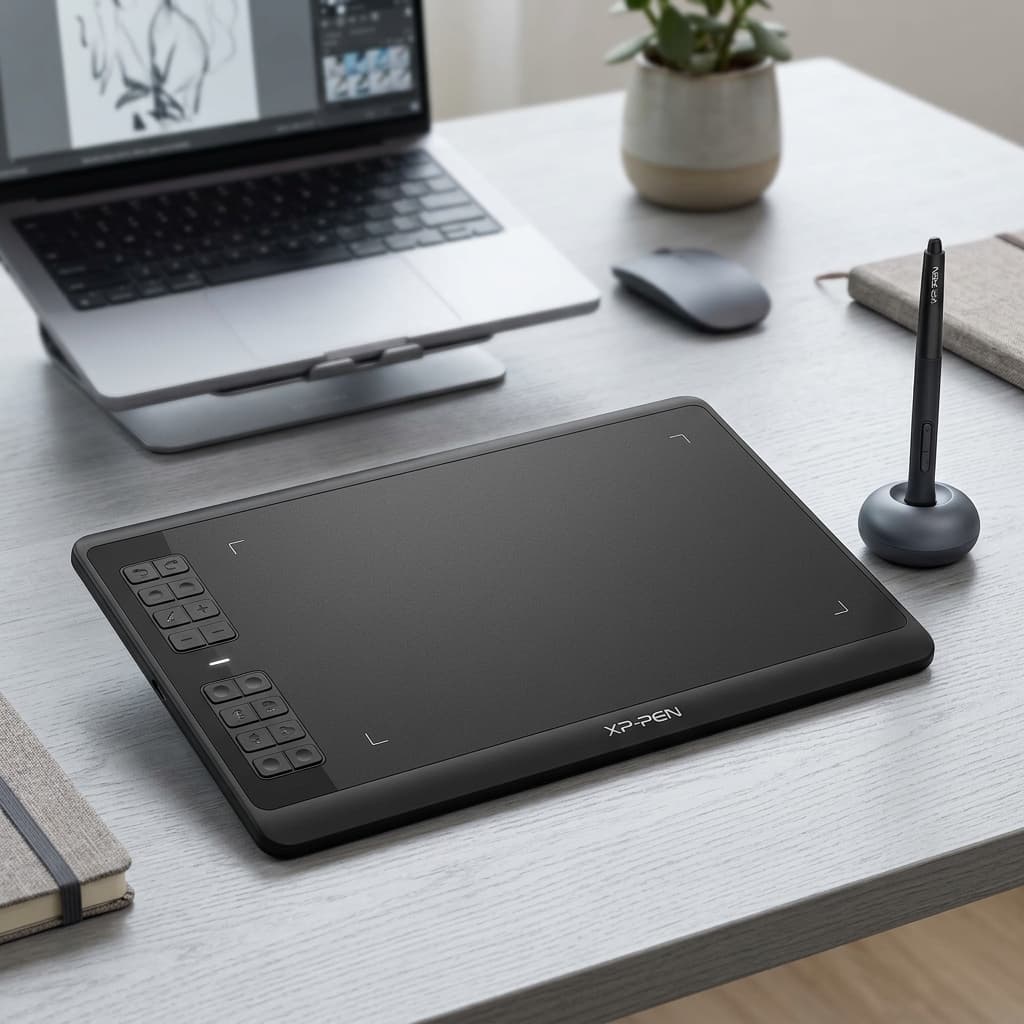
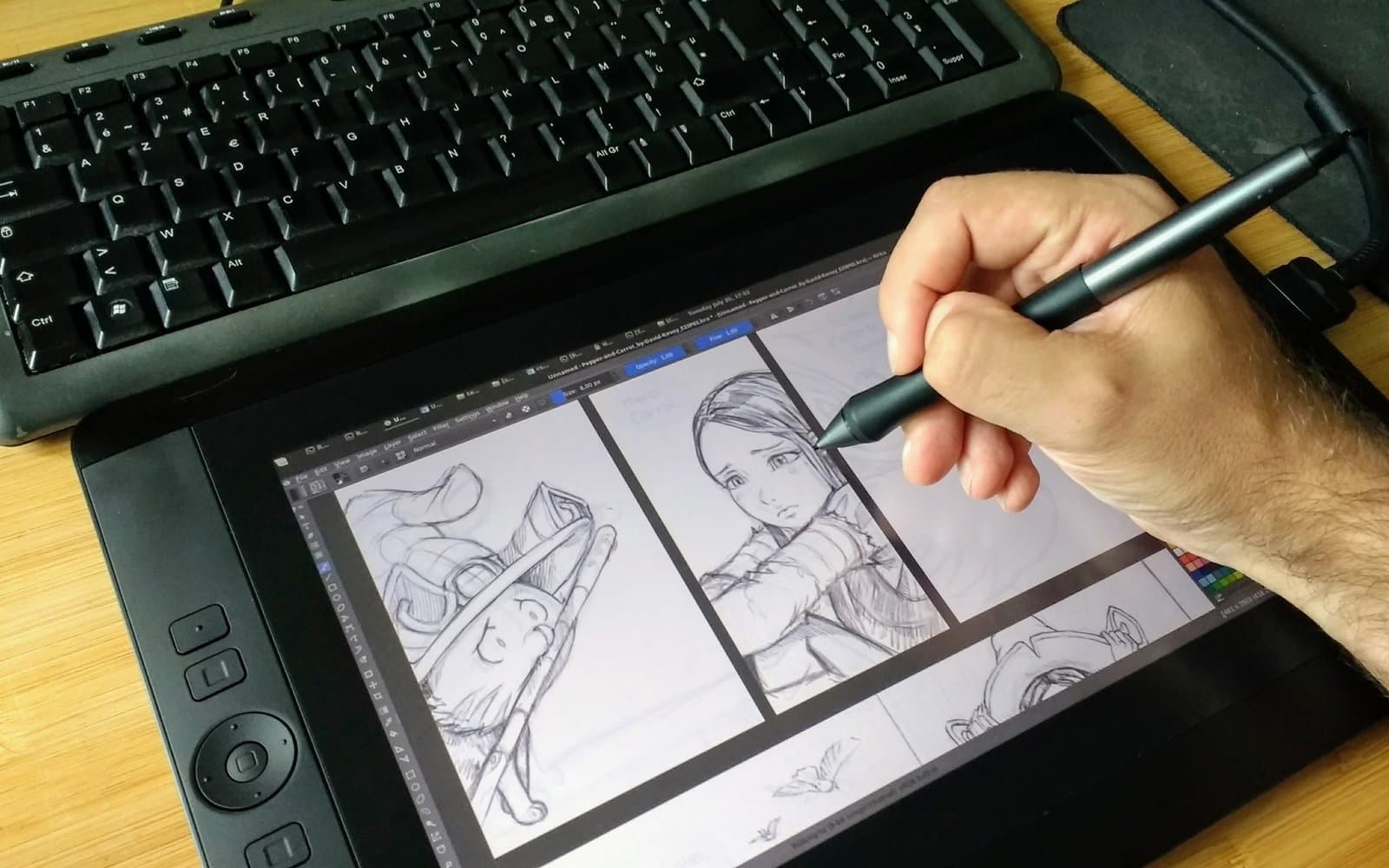
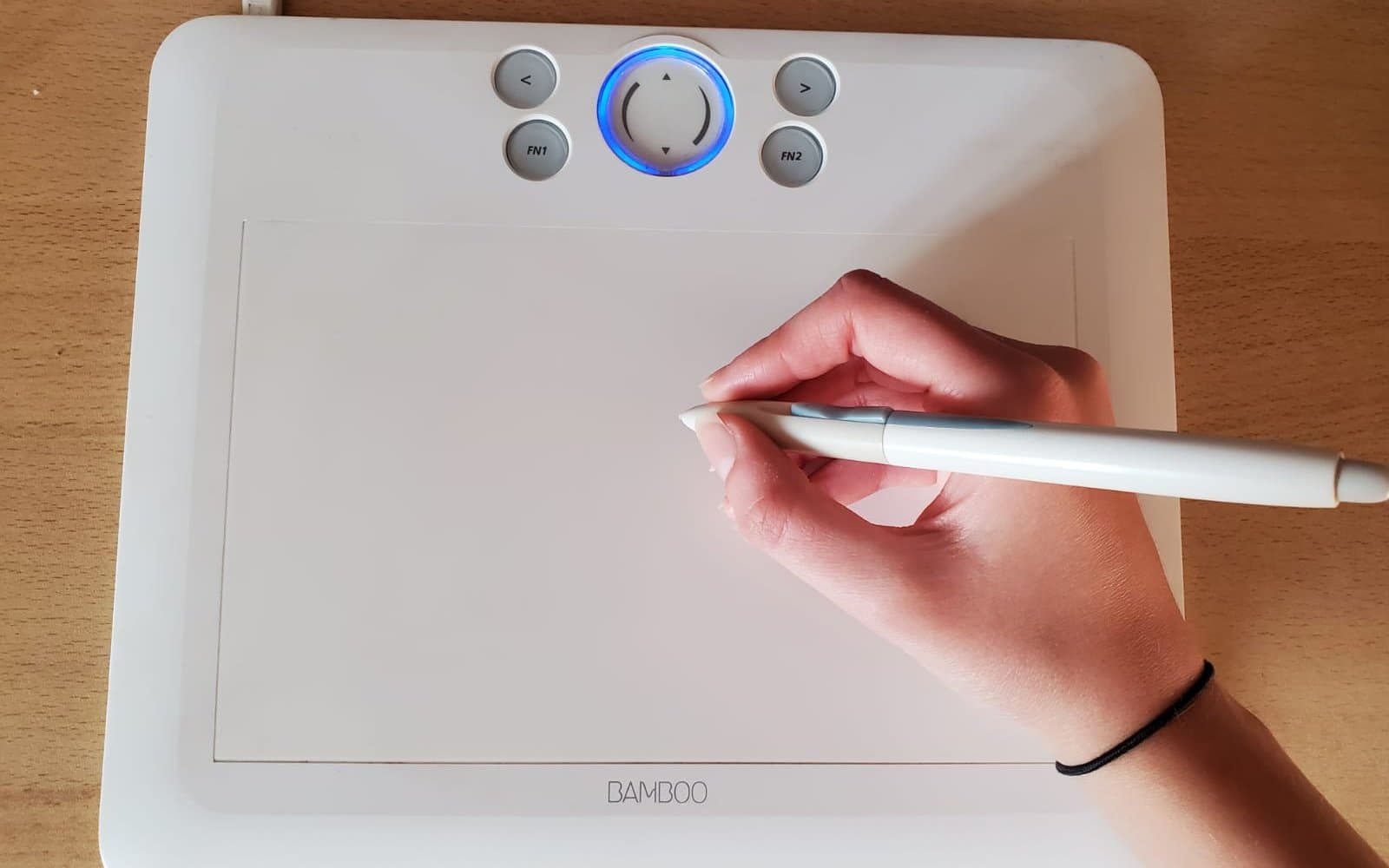
A pen tablet (no built-in screen, you draw looking at your monitor) is the right starting point for almost everyone. You retrain your hand-eye coordination once, it's inexpensive, and the skill transfers directly to a pen display later if you upgrade. A pen display (screen built in) feels more natural immediately but costs several times more and is harder to justify before you know digital art is something you'll stick with.
If you're not sure you'll still be drawing in six months, start with a pen tablet. You can always upgrade — you can't un-spend the money.
2. Active area size — smaller than you expect
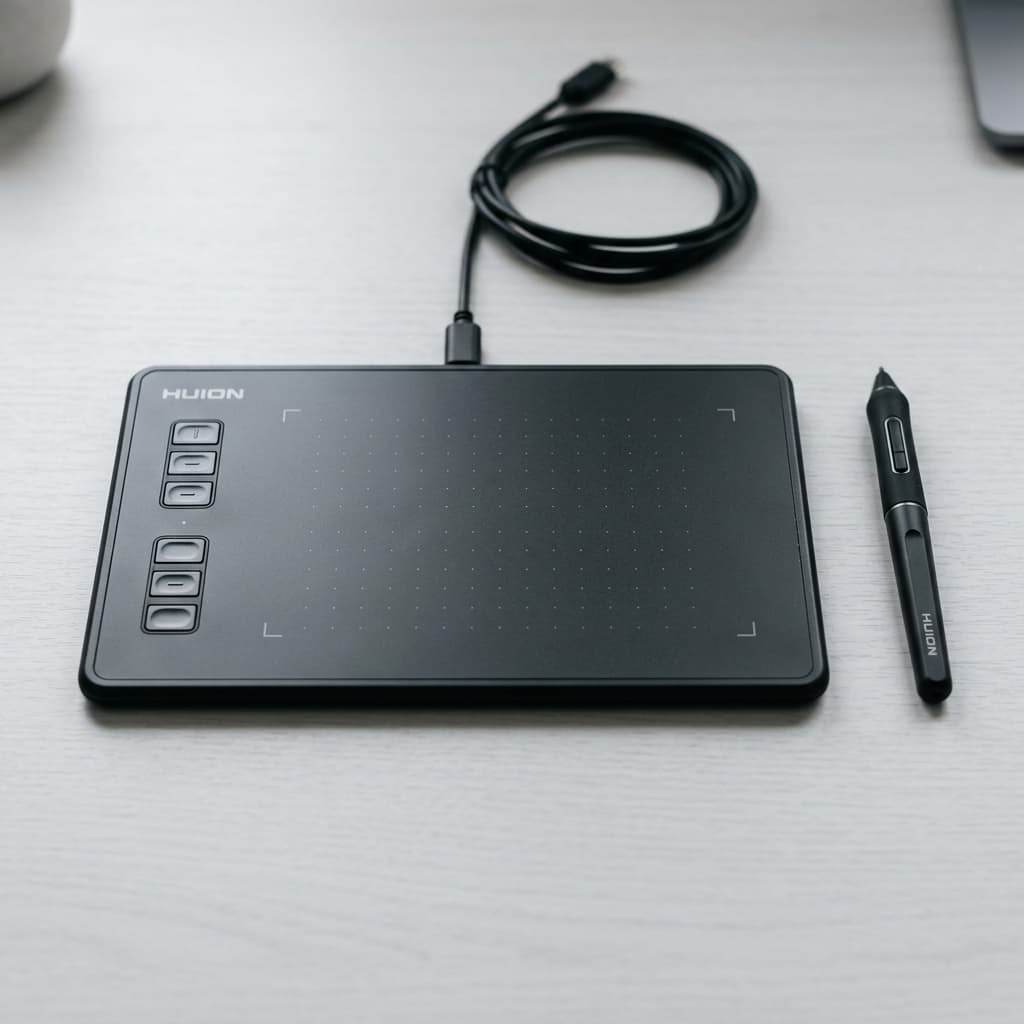
A 6×4 inch active area is plenty for most beginners, including comic work, concept sketches, and full illustrations. Bigger active areas mean more arm movement per stroke, which sounds fine until your wrist is tired after twenty minutes. The Huion Inspiroy H430P is a good example of this size class — compact enough to keep on a crowded desk, large enough that you're not fighting the surface.
3. Pressure sensitivity and tilt
Look for at least 8,192 levels of pressure sensitivity — that's the current baseline even on budget tablets, so there's rarely a reason to pay more for higher numbers on paper. Tilt recognition (for natural brush-edge shading) is a nice-to-have, not a dealbreaker, for a first tablet.
4. Battery-free pens are worth paying for
Older and ultra-budget tablets still ship with pens that need charging. A battery-free pen (EMR technology) never runs out mid-session and is noticeably lighter. It's one of the few specs actually worth checking before you buy.
5. Driver support and OS compatibility
Before buying anything, check that the tablet has current drivers for your operating system — this is the single most common source of returns. A tablet with great hardware and abandoned software is worse than a mediocre tablet with active driver updates.
The bottom line
Start small, start battery-free, start with a pen tablet rather than a pen display. Everything else is a refinement you can make once you know what you actually draw.
Mentioned in this guide
As an Amazon Associate I earn from qualifying purchases. Price and availability are shown on Amazon and can change.