
Aesthetic Desk Organization for Creatives: Why a 360° Rotating Caddy Beats Flat Clutter
Stop knocking over pencil cups and digging through drawers. How a two-tiered 360° rotating desk organizer clears visual friction and keeps daily tools at your fingertips.
Shamal Iroshan
October 2, 2026 3 min read
This guide presents researched ideas and curated product selections. The products have not been personally used or tested.
The Hidden Cognitive Cost of a Cluttered Desk
Every time your eyes dart away from Figma, Photoshop, or your code editor to search for a stylus, highlighter, or memory stick, your brain suffers a micro-interruption.
Psychologists call this attention residue—the cognitive drag that lingers whenever you break concentration, even for two seconds. When your pens roll behind monitors, sticky notes scatter under keyboards, and tape dispensers hide in crowded drawers, your work surface actively works against your creative flow.
Traditional static pencil cups were designed for offices in the 1980s. When stuffed with tall rulers, heavy scissors, and thirty pens, they become top-heavy, tip over easily, and force you to dig through the bottom to find what you need.
The modern solution embraced by digital illustrators, remote developers, and aesthetic desk enthusiasts is the two-tiered 360° rotating desk caddy.
The Geometry of 11 Segmented Compartments
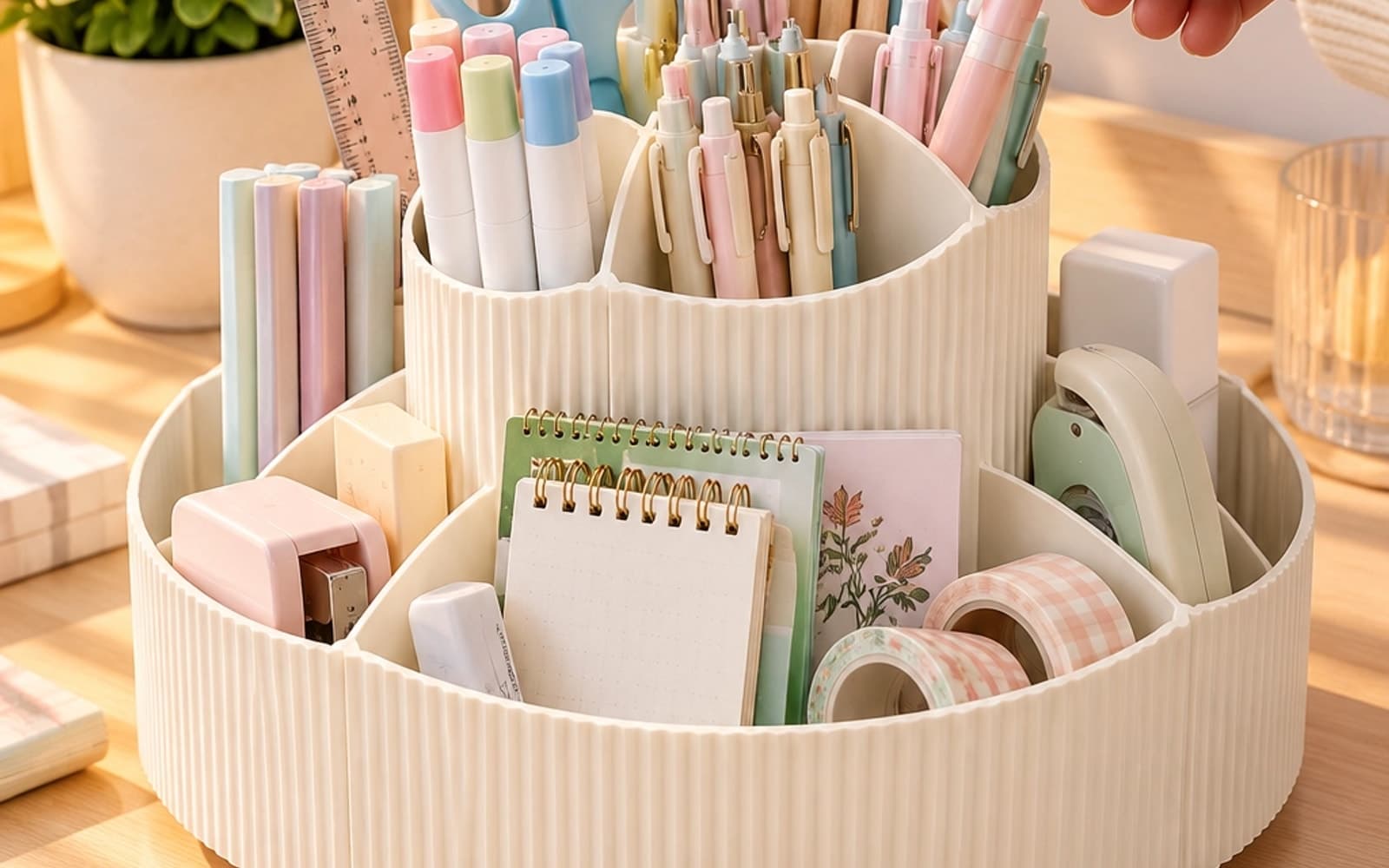
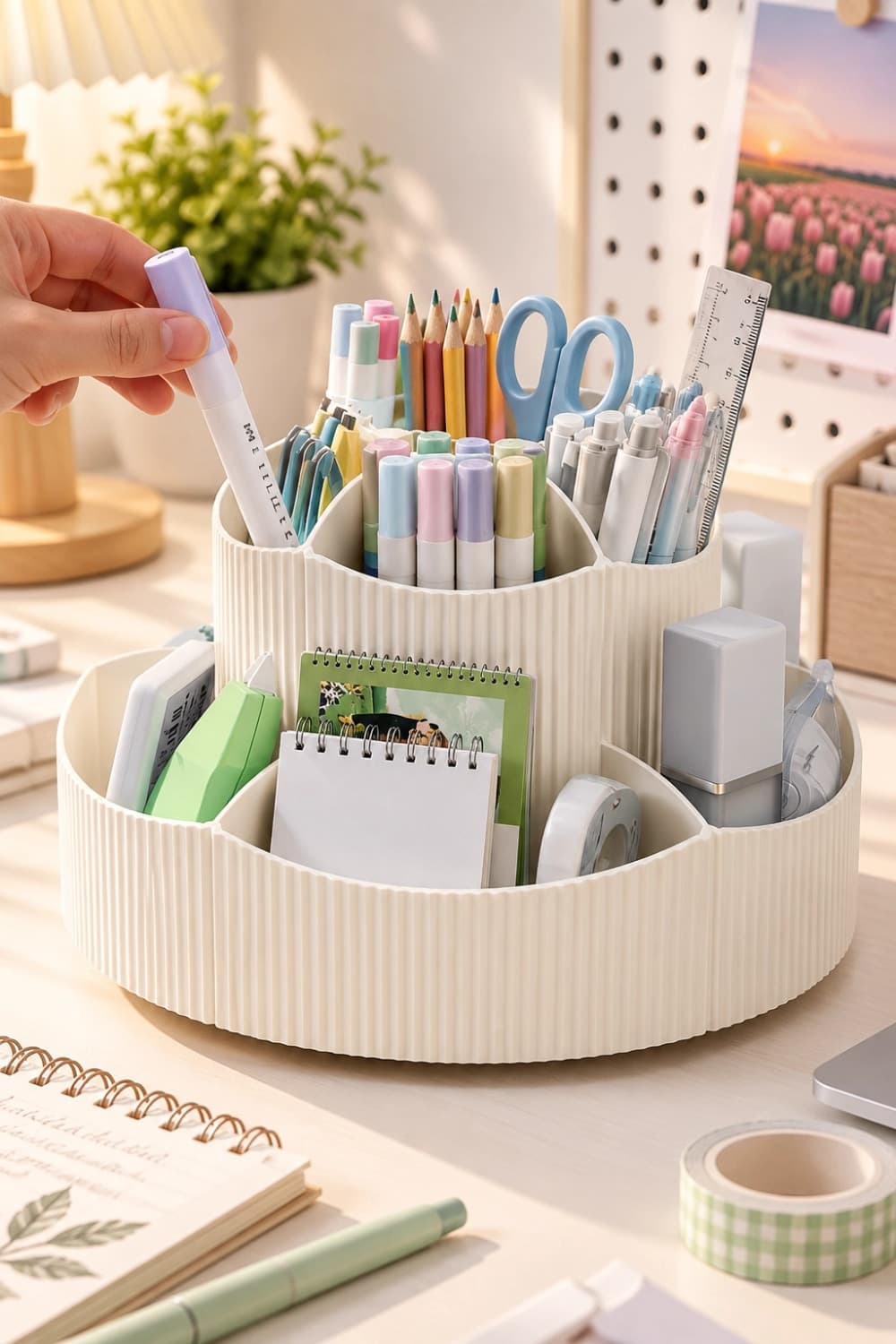
The 360° Rotating Desk Organizer solves the core failure of traditional desk storage by separating items by height and frequency of use:
-
5 Tall Central Tower Slots:
- Engineered to keep writing instruments strictly vertical.
- Separate your primary drawing styluses (Apple Pencil, Huion/Wacom styluses) from micron pens, brush markers, scissors, and precision craft knives.
- Because they stand upright in dedicated slots, they never scratch against each other or get buried.
-
6 Perimeter Shallow Trays:
- Flat desk accessories are notorious for getting lost.
- The outer ring provides dedicated compartments for memo pads, paperclips, eraser blocks, washi tape rolls, correction tape, and USB drives.
- Everything is visible at a glance without having to open a drawer.
360° Lazy Susan Ergonomics: Zero-Reach Movement
In ergonomic design, the space on your desk is divided into three zones:
- Primary Zone (Within forearm sweep): Keyboard, mouse, and drawing tablet.
- Secondary Zone (Arm reach without leaning): Desk organizer, coffee mug, notepad.
- Tertiary Zone (Requires leaning forward or standing up): Far corners, wall shelving, and deep drawers.
A static organizer forces you to position it either directly in front of you (stealing primary real estate) or off to one side (forcing awkward twists).
A 360° ball-bearing swivel caddy can sit comfortably in your secondary zone. Whenever you need scissors, a fresh highlighter, or your tablet stylus, a light fingertip spin rotates the exact compartment directly toward you. Zero leaning, zero reaching, zero disruption to your posture.
Aesthetic Styling: Fluted Texture & Calm Pastel Tones
Utility should never come at the expense of aesthetic harmony. Cheap mesh metal cups and clear acrylic trays often look clinical and cluttered.
Featuring architectural vertical fluting inspired by classical ribbed columns, this organizer diffuses room light with a matte, shadow-rich texture:
- Cream White: Blends seamlessly with warm wood desktops, neutral linen desk pads, and brass accents.
- Pastel Pink & Sky Blue: Perfect for vibrant journaling desks, study stations, and aesthetic content creators.
How to Build the Ideal Creative Workstation
To create an intentional, friction-free creative workspace:
- Anchor with a Desk Mat: Lay down a Dual-Sided Wool Felt & Leather Desk Pad to define your working zone and dampen keyboard and caddy movement.
- Cluster Creative Stationery: Keep the 360° Rotating Desk Organizer on your non-dominant side, stocked with daily pens, scissors, and memo slips.
- Add On-Demand Tactile Printing: Place the Phomemo M02 Pro 300 DPI Pocket Printer nearby to print sticker flashcards, checklist banners, and labels directly into your planner.
- Elevate Your Lighting: Use an asymmetrical monitor screenbar to light your stationery caddy and workspace evenly without throwing glare onto your screen.
Verdict: The Smallest Upgrade with the Biggest Daily Impact
Desk organization is not about buying more containers—it is about removing daily friction. A 360° rotating carousel keeps your most critical tools organized, visible, and effortlessly reachable with a single fingertip flick.
Mentioned in this guide
As an Amazon Associate I earn from qualifying purchases. Price and availability are shown on Amazon and can change.

More guides
 Desk Setup & Ergonomics
Desk Mats for Designers & Illustrators: Wool Felt vs. Leather (Which Is Best?)
A deep dive into desk pad materials for creatives: how wool felt, vegan leather, and dual-sided pads impact drawing tablet friction, mouse tracking, and wrist fatigue.
Read guide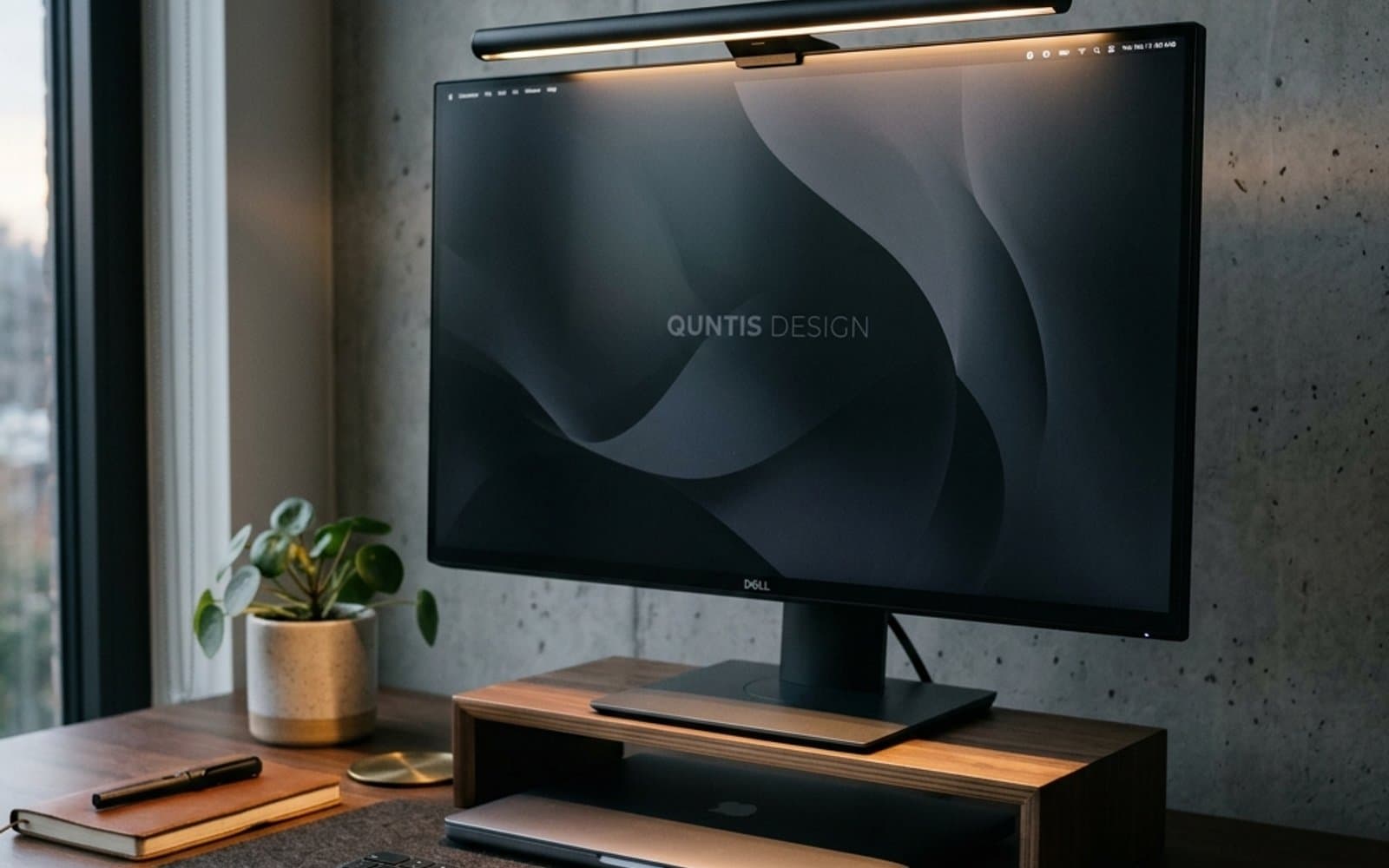 Desk Setup & Ergonomics
Why Every Designer & Remote Worker Needs a Monitor Light Bar (Say Goodbye to Eye Strain)
Struggling with evening screen glare and burning eyes? Here is why mounting a dedicated light bar atop your monitor makes a far bigger difference than any traditional desk lamp.
Read guide Desk Setup & Ergonomics
5 Tips for a More Productive Design Desk Setup
Five free-or-cheap changes to your desk setup that remove more friction than any new piece of hardware.
Read guide