
Desk Mats for Designers & Illustrators: Wool Felt vs. Leather (Which Is Best?)
A deep dive into desk pad materials for creatives: how wool felt, vegan leather, and dual-sided pads impact drawing tablet friction, mouse tracking, and wrist fatigue.
Shamal Iroshan
September 28, 2026 3 min read
Why Your Desk Surface Matters More Than You Think
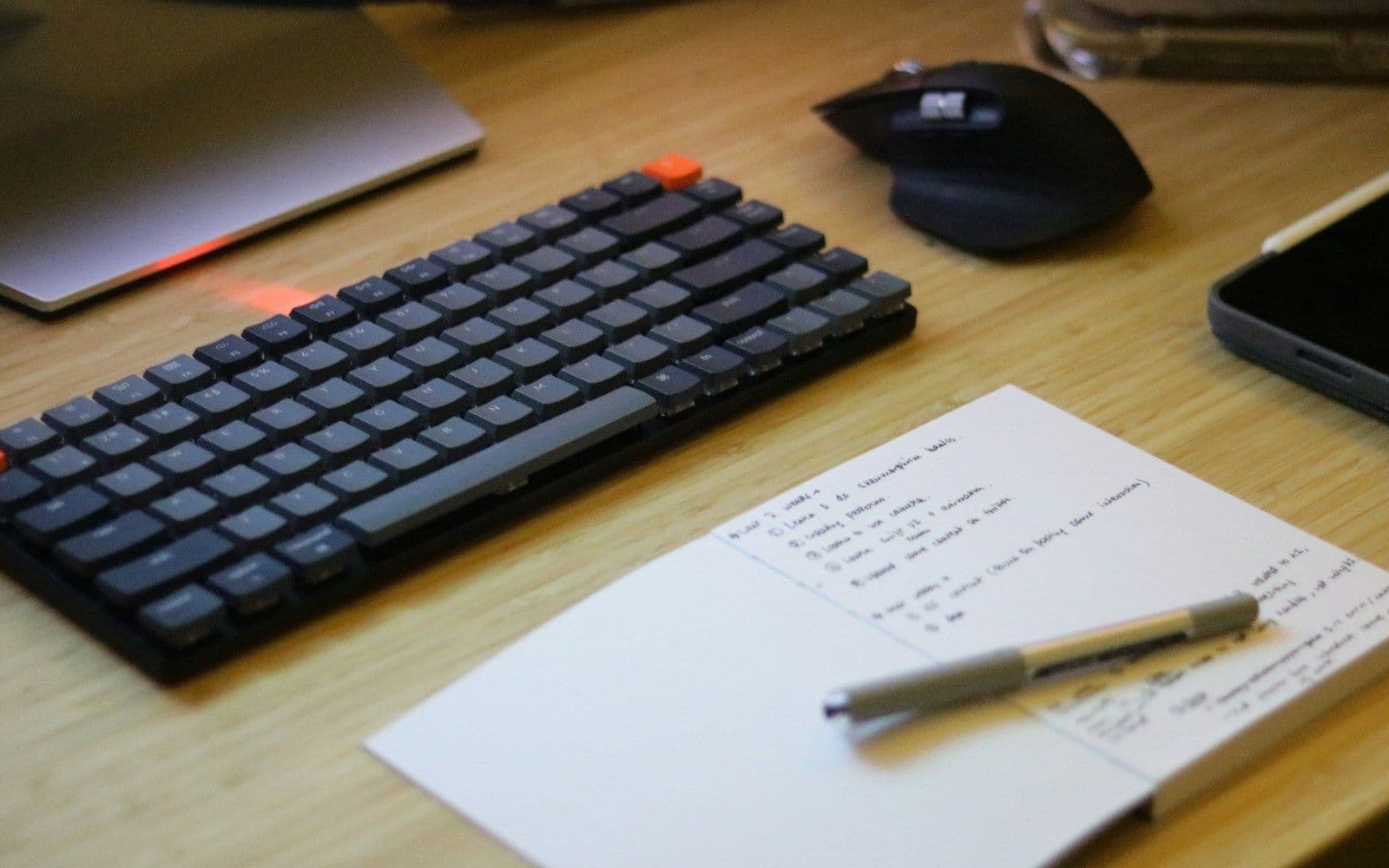
When outfitting a design studio or creative home office, people naturally agonize over monitor color accuracy, ergonomic chairs, and precision drawing tablets. Yet the surface your forearms rest against for forty hours a week is frequently an afterthought.
A bare laminate or wood desk has three major drawbacks:
- Cold contact surfaces: Chilly hard surfaces cause subtle forearm tension and restrict blood circulation.
- Hard acoustic reflection: Mechanical keyboard keystrokes and tablet stylus taps bounce sharply off bare wood.
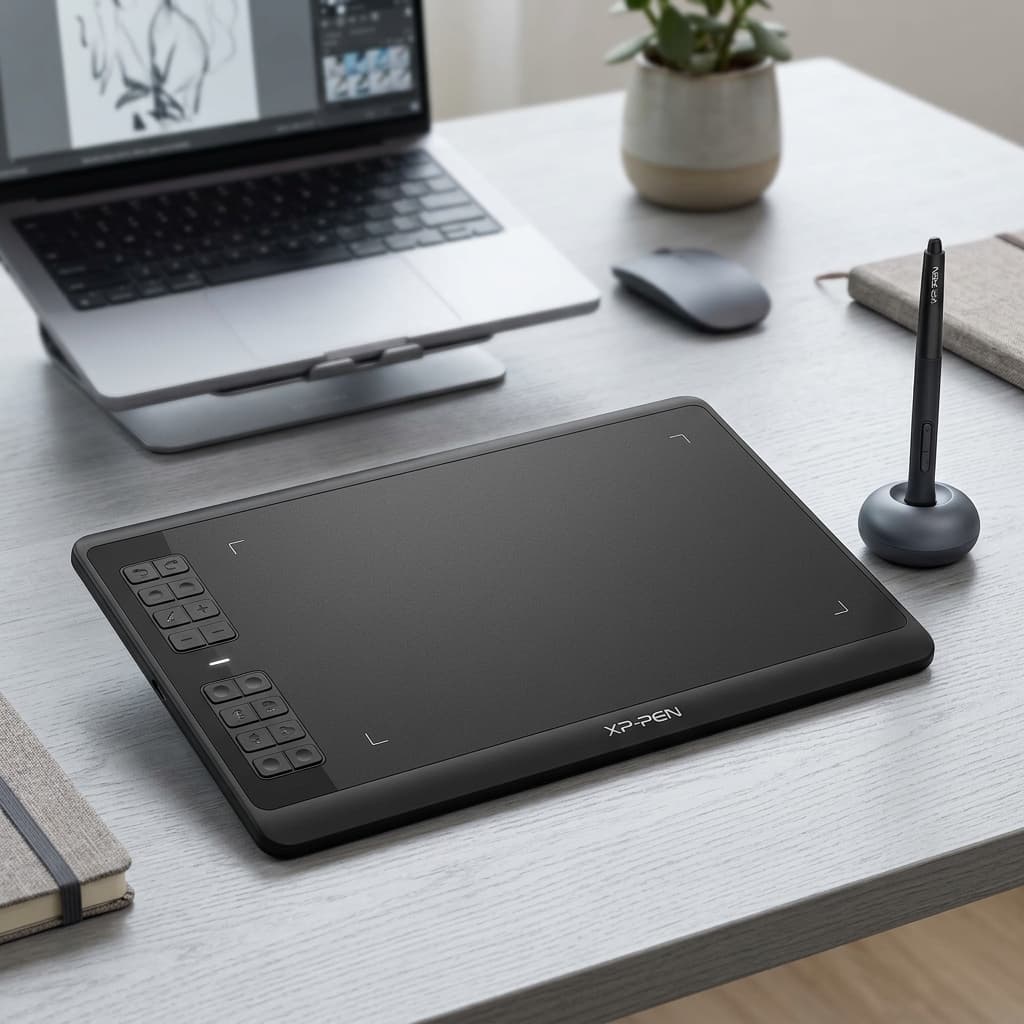
- Equipment drift: Pen tablets like the Huion Inspiroy H640P can shift under intense inking pressure.
An extended desk mat solves all three — but choosing between natural wool felt and smooth vegan leather fundamentally changes how your desk feels to work on.
Wool Felt Desk Mats: The Cozy Minimalist Choice
Wool felt mats have become the defining visual anchor of modern Scandinavian and minimalist design workspaces.
The Advantages:
- Unrivaled Tactile Warmth: Felt is soft, breathable, and warm to the touch. On crisp autumn and winter mornings, resting your wrists on dense wool felt is infinitely more comfortable than cold laminate.
- Superior Acoustic Dampening: The thick fibers absorb high-frequency vibrations from mechanical keyboard switches, making typing sound deeper and more satisfying.
- Vignette Framing: The matte heathered texture creates a soft visual boundary that ties your hardware into a cohesive centerpiece.
The Trade-Offs:
- Friction: Felt has more surface resistance than smooth surfaces, which some graphic designers love for deliberate cursor control, but fast gamers or rapid gestures may find resistant.
- Spill Vulnerability: While wool has natural lanolin resistance to light drops, spilled coffee or ink requires immediate blotting.
Vegan Leather (PU) Desk Mats: The Sleek Utility Choice
On the other side of the spectrum are smooth grain vegan leather pads.
The Advantages:
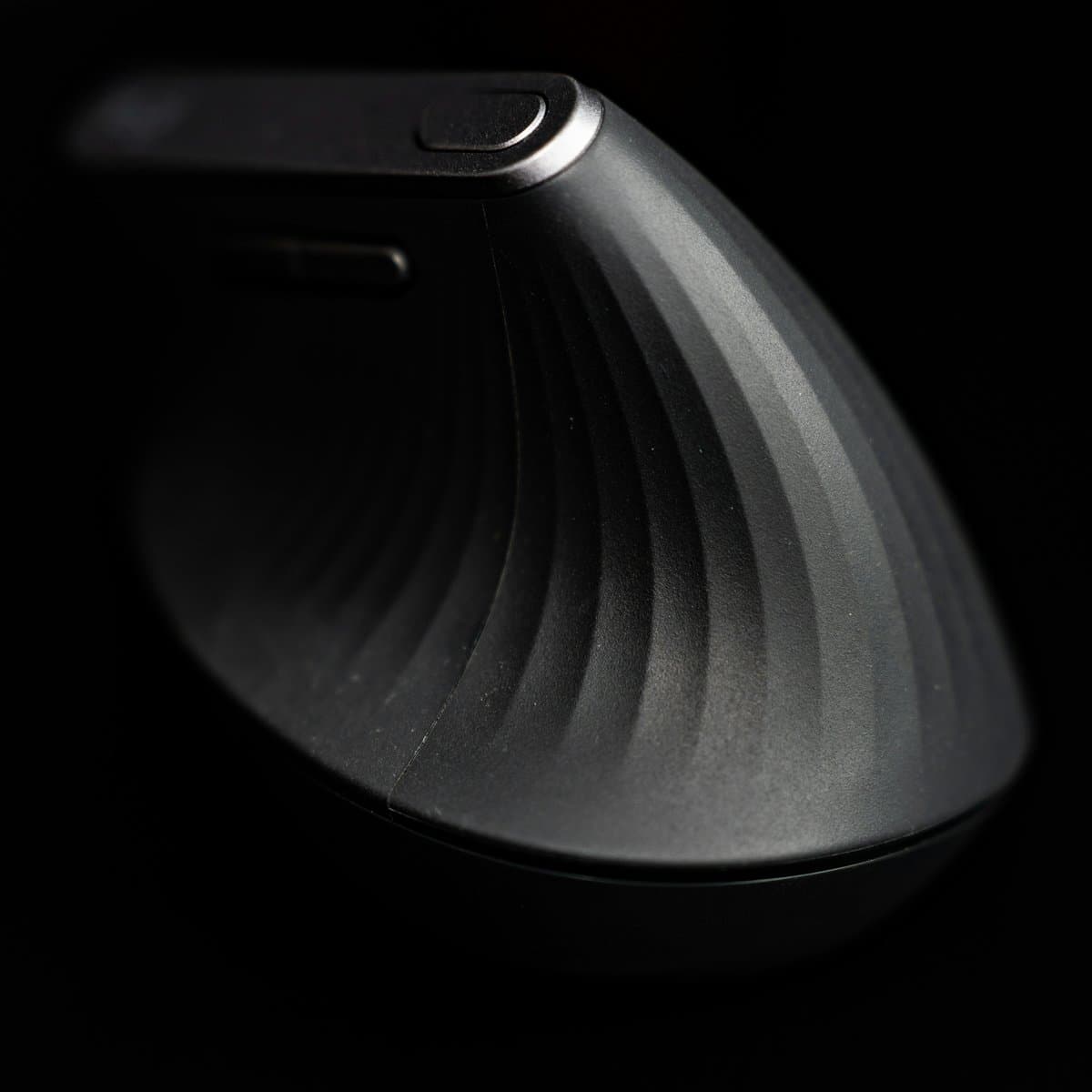
- Effortless Mouse Glide: Mice like the Logitech Lift glide smoothly across PU leather with uniform sensor tracking.
- 100% Waterproof & Stain Proof: A coffee splash or water ring wipes away completely in two seconds with a damp cloth.
- Crisp Drawing Base: If you sketch on loose sheets of analog paper, leather provides a firm, even backing that doesn't puncture under fine pen nibs.
The Smart Compromise: The Dual-Sided Mat
If you cannot decide between the tactile warmth of felt and the wipe-clean practicality of leather, the Aothia Leather Desk Pad is the ideal solution.
With premium wool felt bonded directly to high-grade waterproof vegan leather, you can flip the mat according to the season or the task at hand:
- Use the Felt Side during fall and winter months or for focused typing and writing sessions.
- Flip to the Leather Side when working with messy analog media, inks, or beverages nearby.
Summary Comparison Table
| Attribute | Wool Felt Side | Leather (PU) Side |
|---|---|---|
| Primary Feel | Warm, cushioned, organic | Sleek, firm, modern |
| Mouse Gliding | Controlled & tactile | Fast & effortless |
| Cleaning | Vacuum / damp cloth blot | Instant wipe-clean |
| Stylus & Paper Work | Better with a hard backing sheet | Excellent directly on surface |
| Best Season | Autumn & Winter | Year-round |
The Verdict
If your daily work involves heavy digital illustration, 3D prototyping with tools like the SCRIB3D P1 Printing Pen, or frequent snacking at the desk, having a dual-sided mat ensures you never have to compromise between aesthetic beauty and daily utility.
Mentioned in this guide
As an Amazon Associate I earn from qualifying purchases. Price and availability are shown on Amazon and can change.
More guides
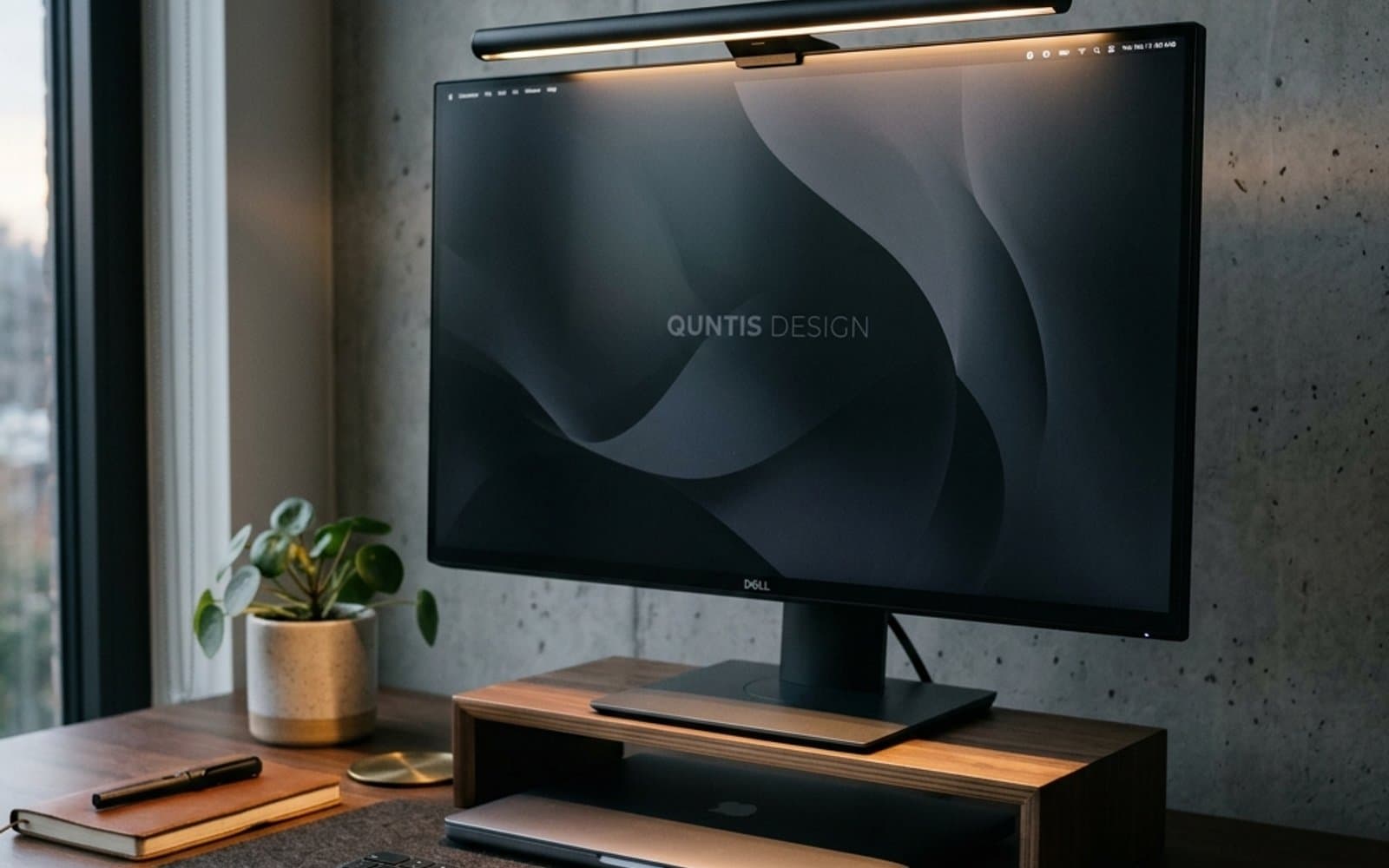 Desk Setup & Ergonomics
Why Every Designer & Remote Worker Needs a Monitor Light Bar (Say Goodbye to Eye Strain)
Struggling with evening screen glare and burning eyes? Here is why mounting a dedicated light bar atop your monitor makes a far bigger difference than any traditional desk lamp.
Read guide Desk Setup & Ergonomics
5 Tips for a More Productive Design Desk Setup
Five free-or-cheap changes to your desk setup that remove more friction than any new piece of hardware.
Read guide