
Why Every Designer & Remote Worker Needs a Monitor Light Bar (Say Goodbye to Eye Strain)
Struggling with evening screen glare and burning eyes? Here is why mounting a dedicated light bar atop your monitor makes a far bigger difference than any traditional desk lamp.
Shamal Iroshan
September 28, 2026 3 min read
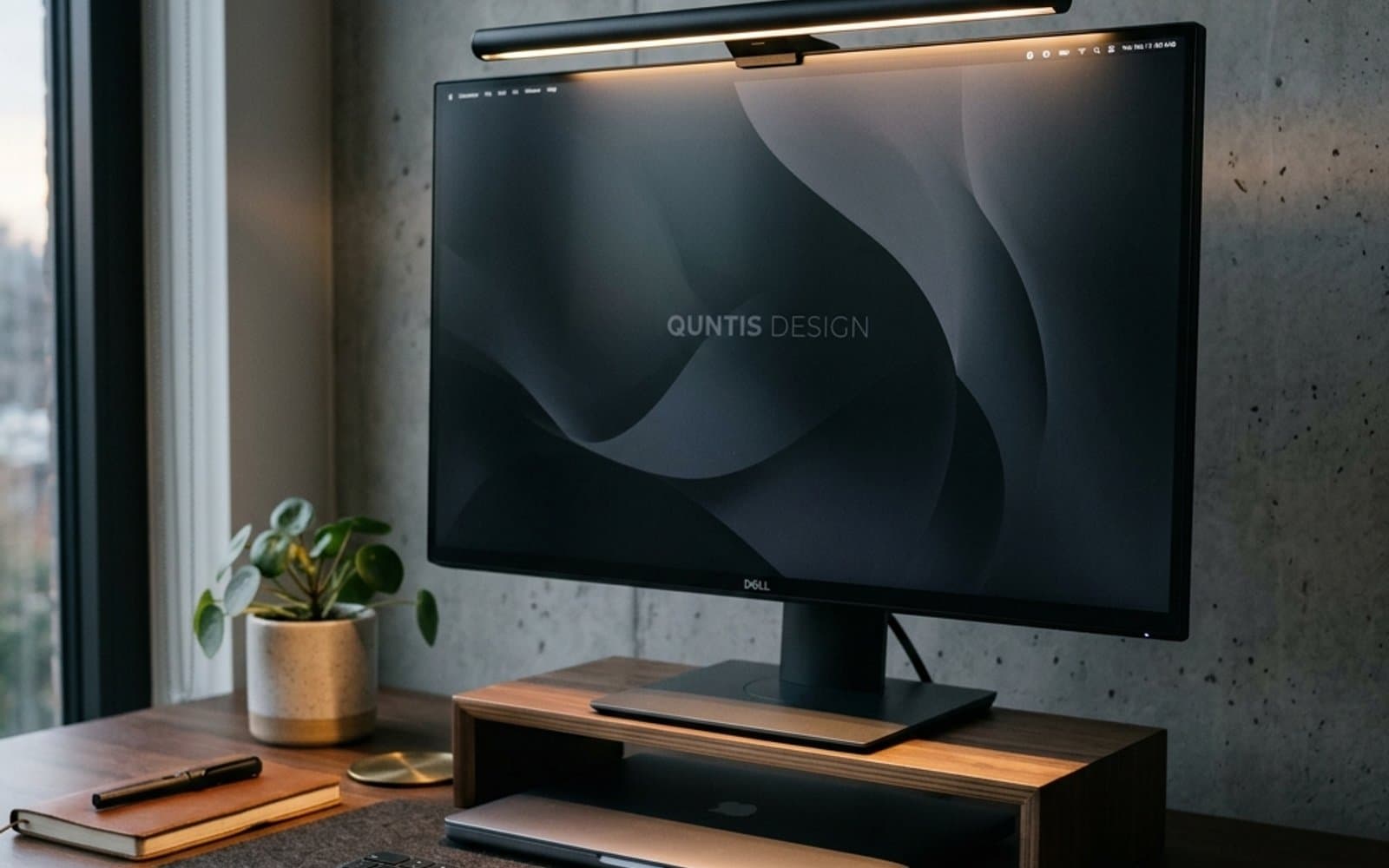
The Hidden Culprit Behind End-of-Day Eye Fatigue
If you spend six to ten hours a day staring at computer monitors, you are probably no stranger to that heavy, gravelly sensation in your eyes by 5:00 PM. Most people blame their screen brightness, drink another glass of water, or buy blue-light glasses.
Yet in nine out of ten workspaces, the real offender isn't the display itself — it is lighting contrast and optical glare.
A bright monitor in a dimly lit room forces your pupils to repeatedly expand and contract as your gaze darts between your bright screen and your dark desk. Add a traditional incandescent desk lamp that splashes reflections directly across your glossy or matte monitor glass, and your visual cortex is working overtime just to decipher contrast.
This is precisely where the asymmetrical monitor light bar (often called a screenbar) changes everything.
What Actually Makes a Monitor Light Bar Different?
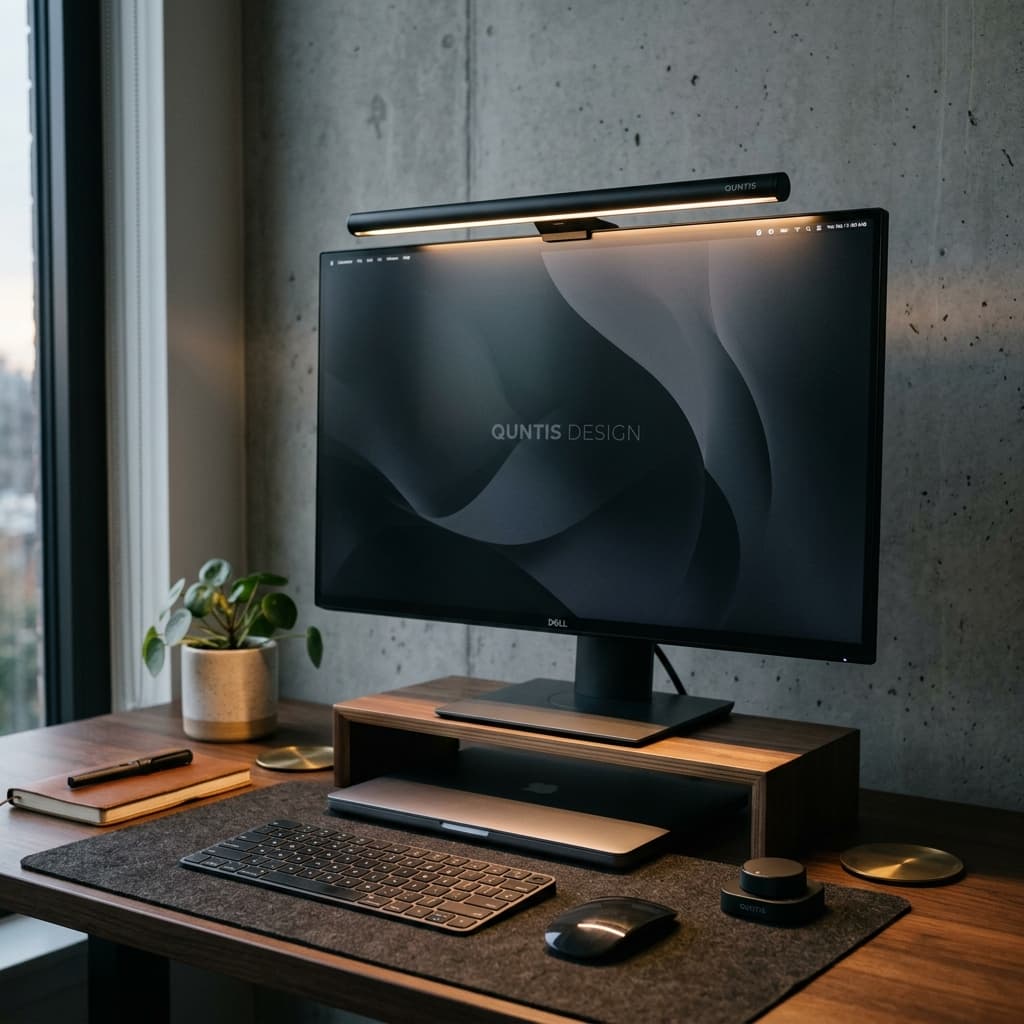
At first glance, a monitor light bar looks like a minimalist black tube clipped to the top of your screen. But the magic lies inside the optical reflector:
- Asymmetrical Optical Beam: Unlike a regular lamp that throws light in all directions, an asymmetrical light bar directs illumination downward and forward in a sharp optical cone. It bathes your keyboard, sketchbook, and desk pad in crisp, even light while throwing zero light onto the screen itself.
- Reclaimed Desk Real Estate: Traditional gooseneck lamps require heavy weighted bases that occupy prime desk space right where your tablet, mouse pad, or coffee mug should live. A light bar clamps securely to the monitor's top bezel without touching your desk surface.
- Balanced Contrast Lighting: By lighting the foreground of your workstation to match the luminance of your screen, your eyes maintain a relaxed, uniform focal state.
Key Features to Look For When Choosing One
When evaluating monitor light bars, do not buy a generic LED strip. Look for these four critical specifications:
| Feature | Why It Matters for Design & Desk Work |
|---|---|
| Asymmetrical Optical Path | Prevents direct screen reflections and veil glare. |
| High CRI (Color Rendering Index > 90) | Essential for graphic designers and artists to see true ink and print colors on paper. |
| Adjustable Color Temperature (3000K – 6500K) | Warm amber light for late-night focus; crisp daylight for daytime drafting. |
| Dedicated Wireless Control | A weighted desktop puck or dial eliminates having to reach up and smudge your monitor. |
The Quntis Computer Monitor Light Bar PRO+ has quickly become my top recommendation for creative desks because it bundles all of these essentials: an asymmetrical light path, stepless auto-dimming, and a tactile wireless rotary puck that lets you dial in the exact color mood from right beside your mouse.
Pairing Lighting with True Workspace Ergonomics
Fixing your lighting takes care of optical fatigue, but long creative sprints require your entire posture to stay in flow. If you are updating your desk setup, consider pairing your lighting upgrade with:
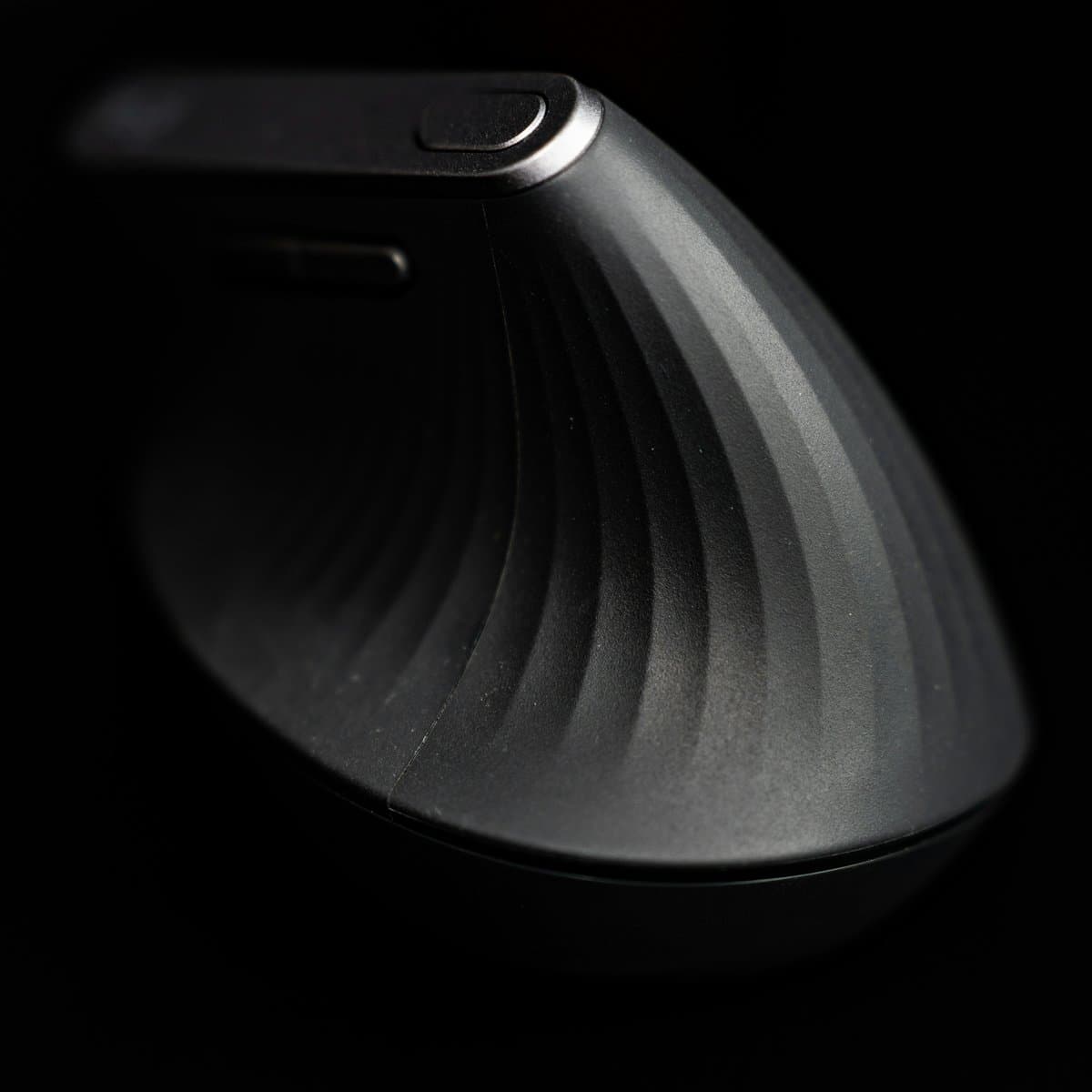
- A vertical mouse: Replacing a flat mouse with an ergonomic angle like the Logitech Lift eliminates the forearm twist that causes carpal tunnel strain.
- Screen height calibration: Ensure the top third of your display aligns directly with your horizontal eye level so your neck remains upright.
The Bottom Line
A dedicated monitor light bar is not an aesthetic novelty — it is one of the single most cost-effective hardware upgrades you can give your eyes. Once you spend one week working under glare-free asymmetrical desk lighting, you will wonder how you ever managed without it.
Mentioned in this guide
As an Amazon Associate I earn from qualifying purchases. Price and availability are shown on Amazon and can change.
More guides
 Desk Setup & Ergonomics
Desk Mats for Designers & Illustrators: Wool Felt vs. Leather (Which Is Best?)
A deep dive into desk pad materials for creatives: how wool felt, vegan leather, and dual-sided pads impact drawing tablet friction, mouse tracking, and wrist fatigue.
Read guide Desk Setup & Ergonomics
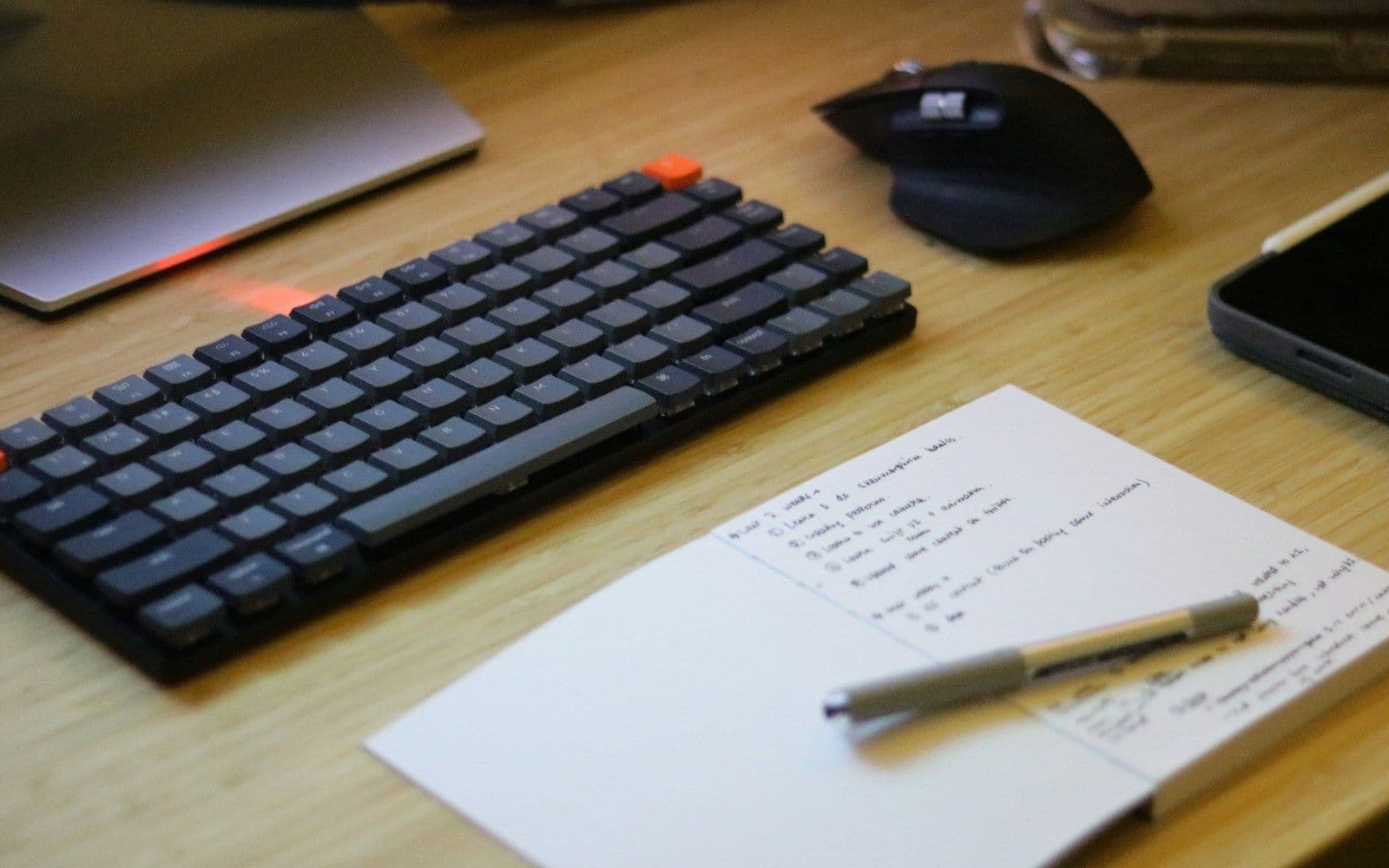
5 Tips for a More Productive Design Desk Setup
Five free-or-cheap changes to your desk setup that remove more friction than any new piece of hardware.
Read guide