
5 Tips for a More Productive Design Desk Setup
Five free-or-cheap changes to your desk setup that remove more friction than any new piece of hardware.
Shamal Iroshan
September 28, 2026 2 min read
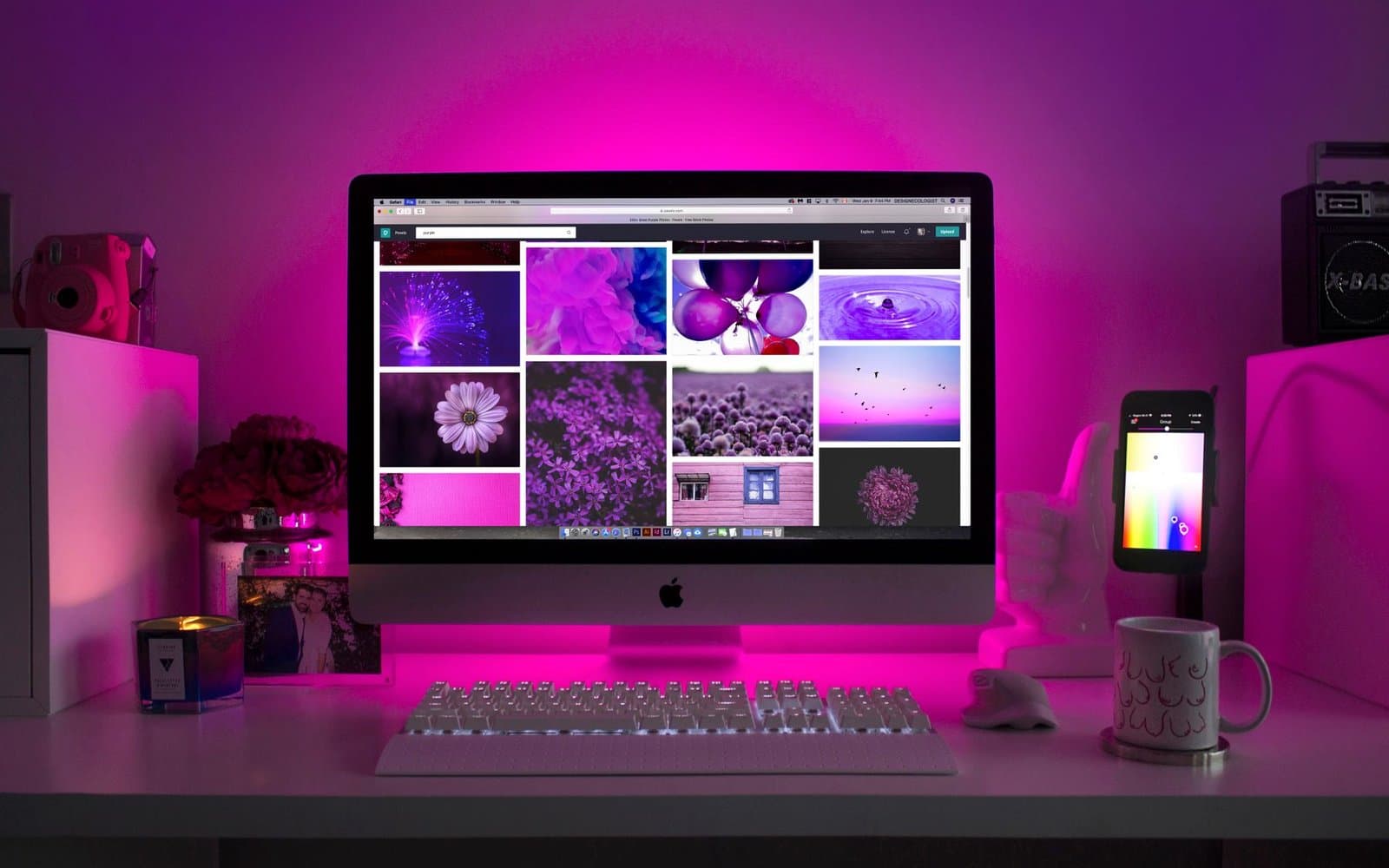
Your desk is part of your toolkit
Good tools help, but a desk that fights you undoes half the benefit. These five changes cost little or nothing and make the biggest difference in actual daily output.
1. Put your tablet directly in front of your dominant hand
This sounds obvious, but it's the most commonly ignored setup mistake. Your tablet's active area should line up with your forearm, not be pushed off to one side to make room for a keyboard. If you're right-handed, the tablet goes dead center in front of your body — shift the keyboard instead.
2. Raise your monitor, not your neck
A monitor that sits too low forces your neck down for hours at a time. The top of the screen should be roughly at eye level. A $15 monitor stand (or a stack of sturdy books, if you're testing the height first) fixes more shoulder tension than any ergonomic chair.
3. Keep a dedicated shortcut hand
Whether it's a tablet's built-in express keys, a separate macro pad, or just your keyboard's left hand resting on Ctrl/Alt/Shift, offloading undo, zoom, and brush-size changes to your non-drawing hand keeps you in flow. Constantly reaching for a mouse to click a tiny toolbar icon breaks concentration more than people realize.
4. Light your desk, not just your monitor
Screen brightness compensates for a dark room by making your eyes work harder, not less. A basic desk lamp aimed at the wall behind your monitor (not directly at your eyes) reduces the contrast strain that causes end-of-day headaches.
5. Clear a landing zone for your pen
Sounds trivial, but a specific spot — a tray, a groove, a small dish — where the pen always lands means you're not hunting for it every time you glance away. Small friction, repeated hundreds of times a day, adds up to real lost time.
Small changes, compounded
None of these require new hardware. Try them one at a time over a week and notice which one actually changes how long you comfortably stay at the desk — that's usually the one worth keeping.
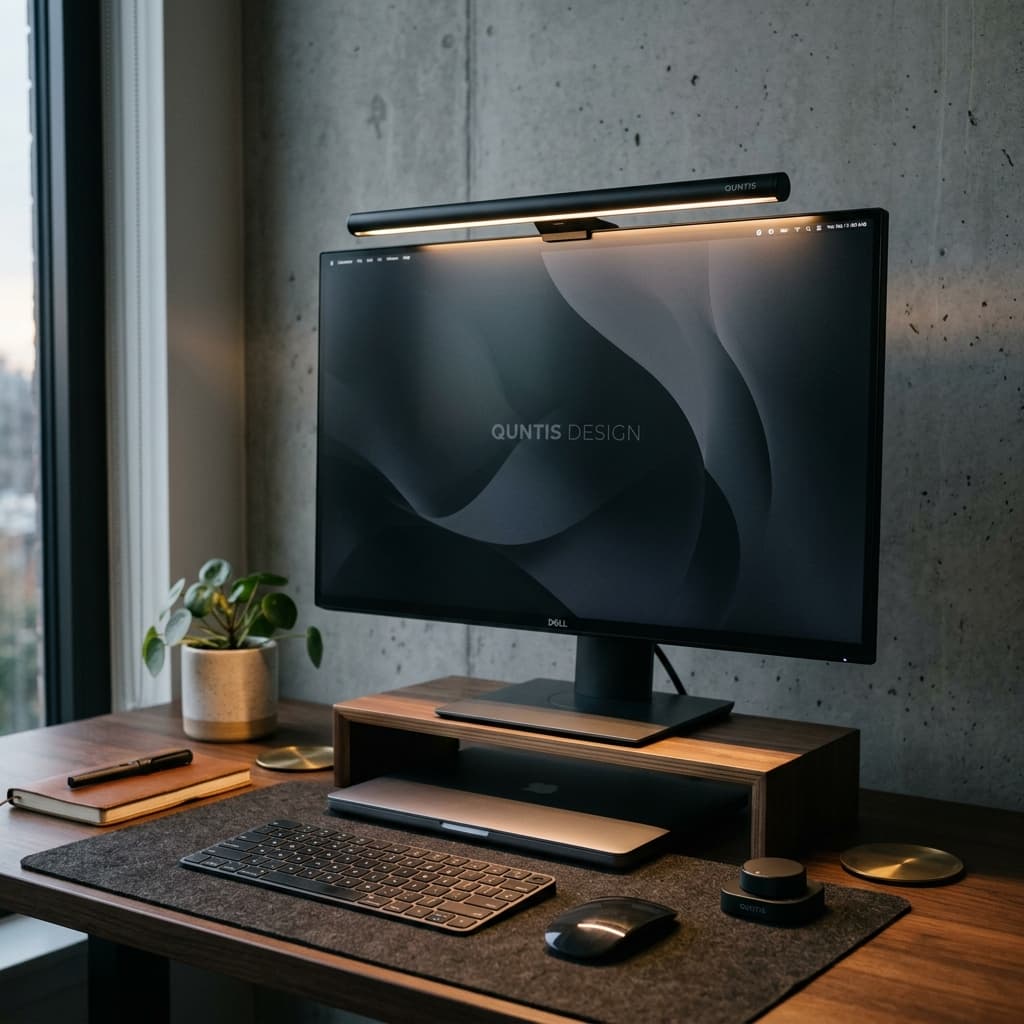
Mentioned in this guide
As an Amazon Associate I earn from qualifying purchases. Price and availability are shown on Amazon and can change.
More guides
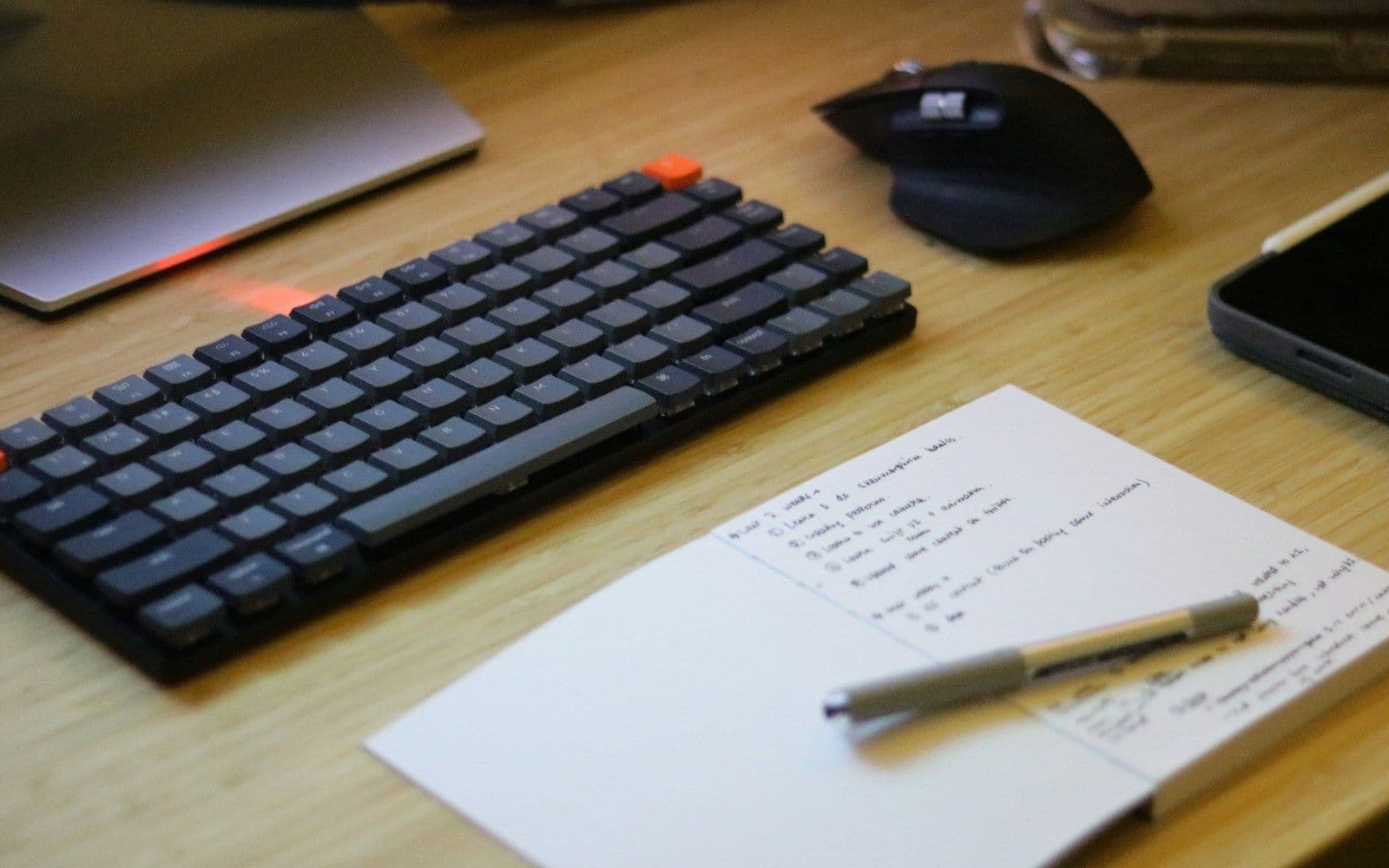 Desk Setup & Ergonomics
Desk Mats for Designers & Illustrators: Wool Felt vs. Leather (Which Is Best?)
A deep dive into desk pad materials for creatives: how wool felt, vegan leather, and dual-sided pads impact drawing tablet friction, mouse tracking, and wrist fatigue.
Read guide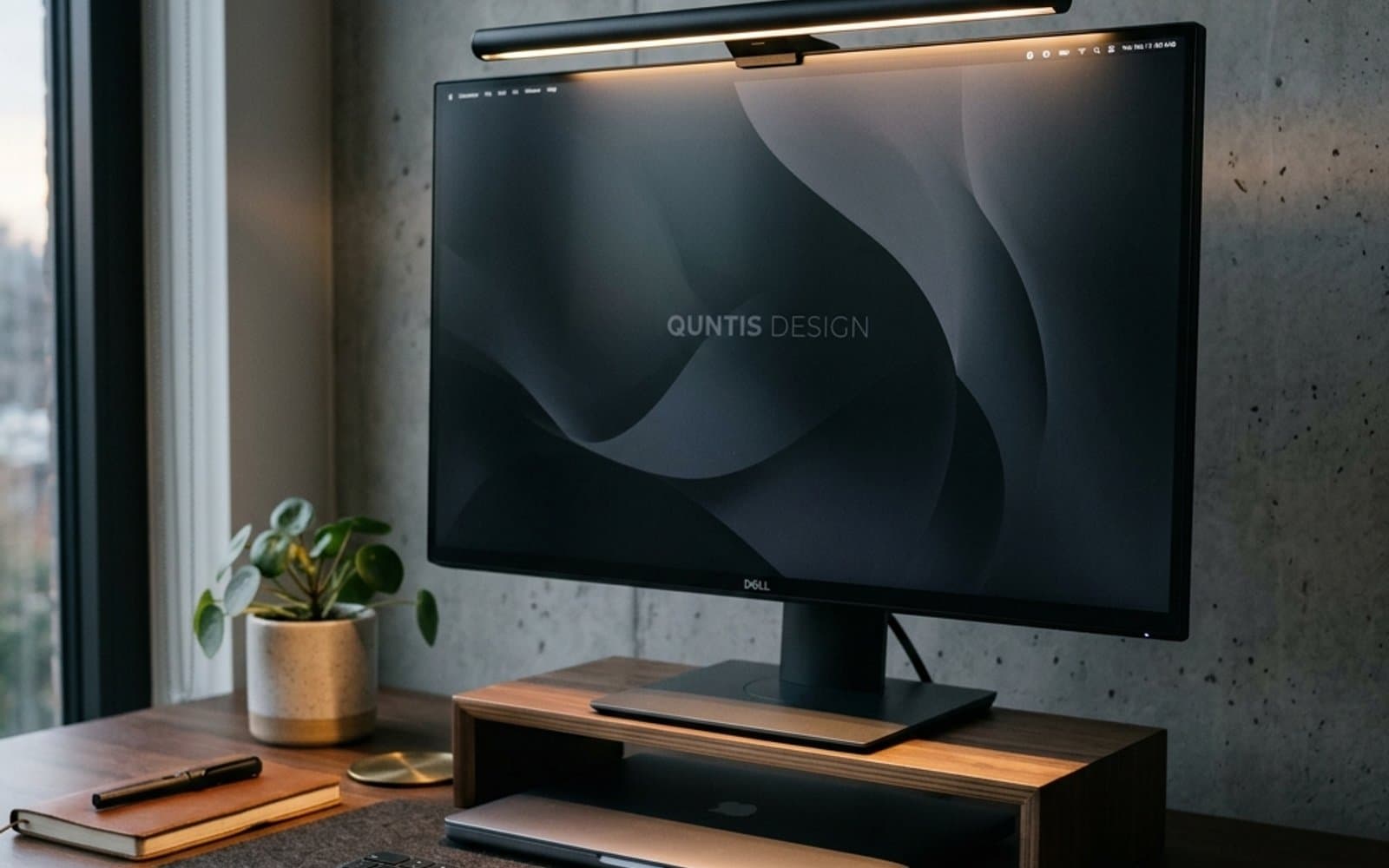 Desk Setup & Ergonomics
Why Every Designer & Remote Worker Needs a Monitor Light Bar (Say Goodbye to Eye Strain)
Struggling with evening screen glare and burning eyes? Here is why mounting a dedicated light bar atop your monitor makes a far bigger difference than any traditional desk lamp.
Read guide