
Logitech
Logitech Lift Vertical Ergonomic Wireless Mouse
An intuitive 57-degree vertical ergonomic mouse engineered to place your forearm and wrist in a natural handshake posture.
Find it on Amazon
Shop the featured product or explore similar options in your country.
The featured product
All options above link to the featured product. Check the listing for the exact bundle and local availability.
Explore similar products
These links open Amazon search results, not the exact item pictured. Brands, sizes, and features may differ.
Another country? Try Global
GlobalFeatured product · Amazon USGlobal opens Amazon US; international delivery depends on the item and destination.
As an Amazon Associate I earn from qualifying purchases. Check price, availability, delivery, and seller terms on your chosen Amazon store.
Why it was selected
Standard flat mice force your forearm into an unnatural pronated position that twists the radius and ulna bones, creating continuous forearm and wrist tension over eight-hour design sprints. The Logitech Lift solves this by angling your grip at a precision 57-degree tilt — mimicking your hand's resting handshake posture and letting your upper body relax into a neutral alignment.
Specially sculpted for small-to-medium hands, the Lift features a soft textured grip, an integrated thumb rest, whisper-quiet magnetic clicks, and a SmartWheel that shifts instantly between precision line-by-line navigation and free-spinning speed scroll. With Bluetooth Low Energy and Logi Bolt multi-device pairing (up to three computers), it pairs seamlessly across Mac and PC workflows.
Anatomically Sculpted for Natural Alignment
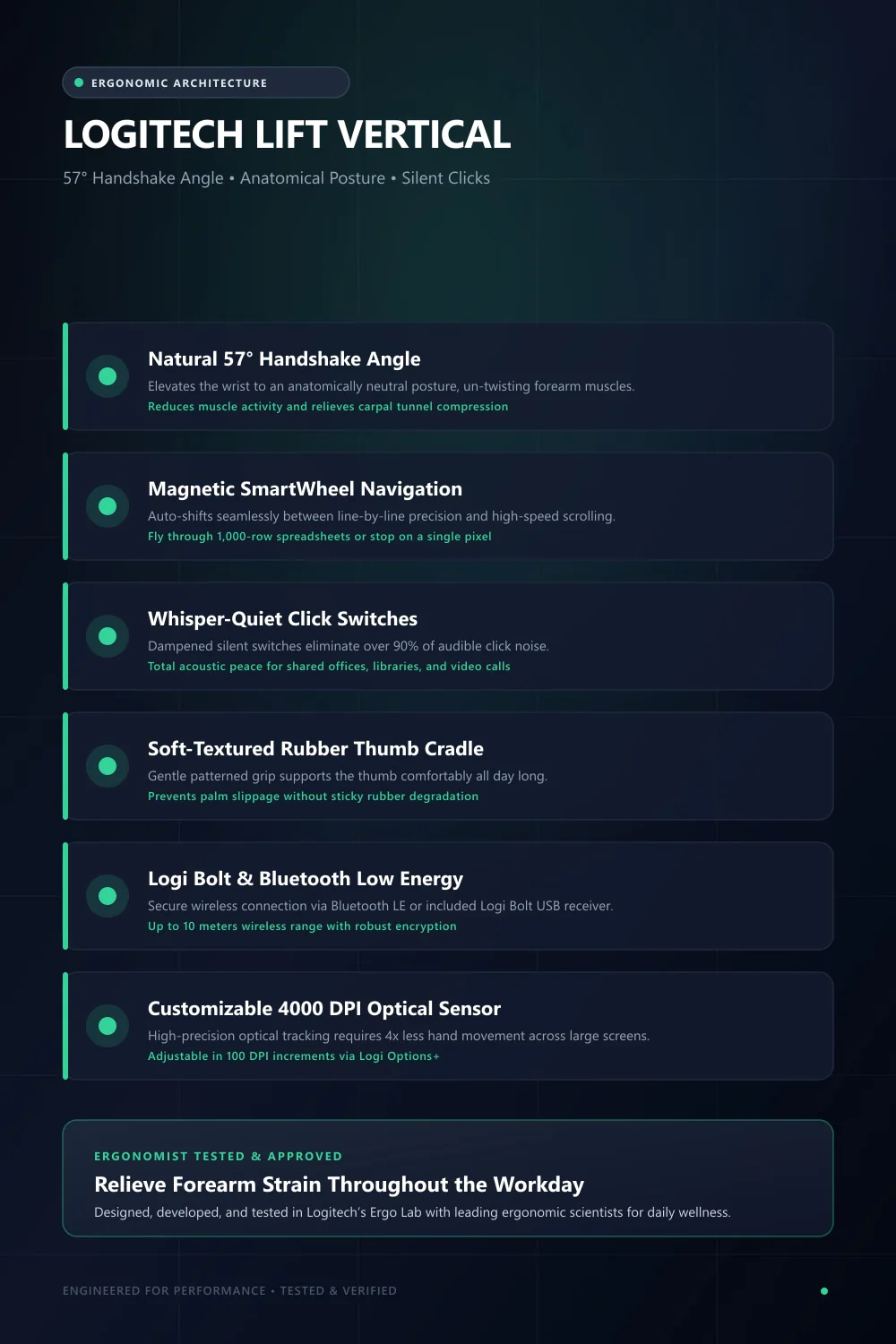
Natural 57° Handshake Angle
Aligns your wrist and forearm into an anatomically neutral posture that relieves carpal pressure.
Whisper-Quiet Magnetic SmartWheel
Dampened silent switches eliminate click noise, while the SmartWheel auto-shifts into high-speed scrolling.
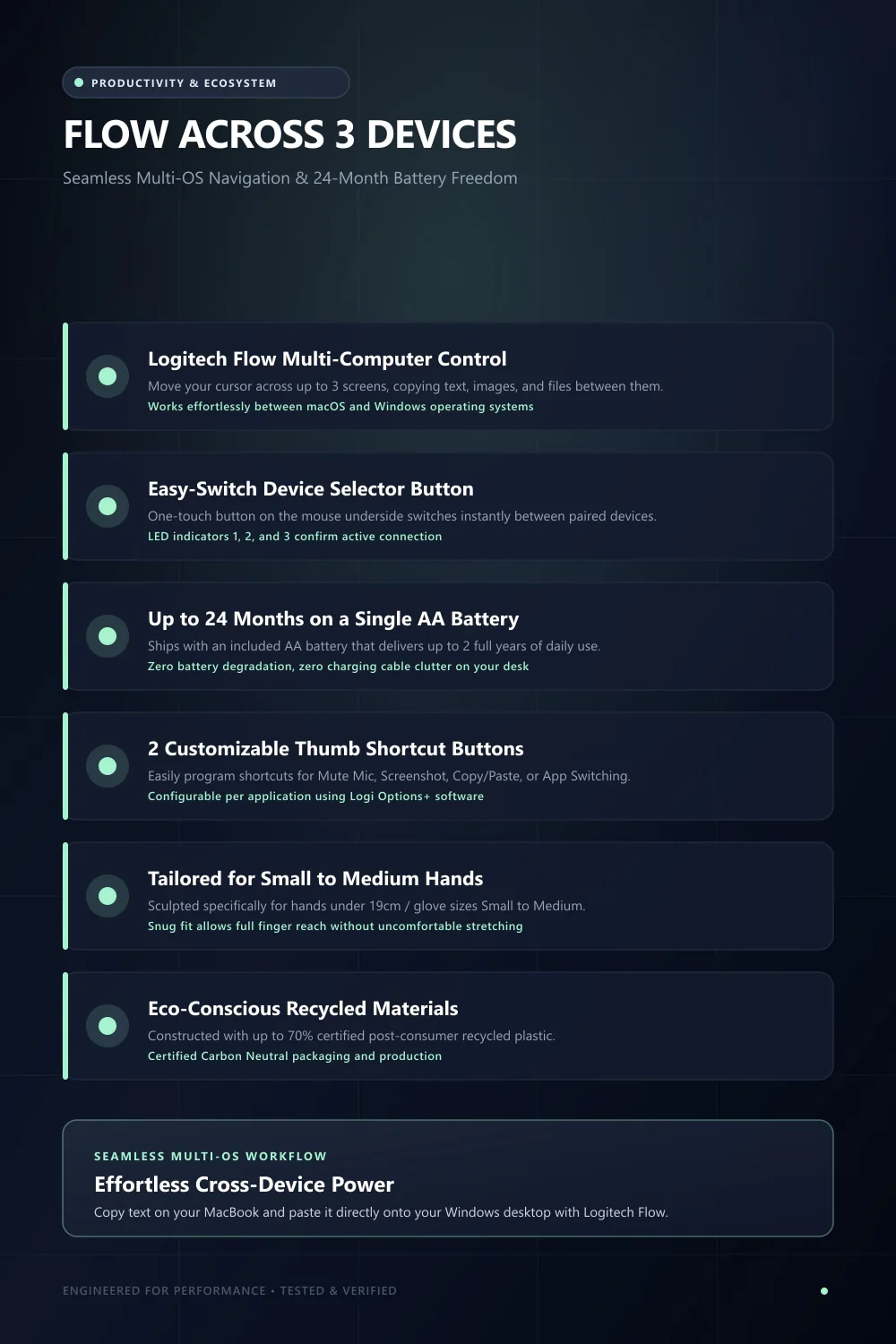
Up to 2-Year Battery Life
Single AA battery powers the mouse for up to 24 months with zero charging cable clutter.
Easy-Switch & Logitech Flow
Connect seamlessly across up to 3 devices via Bluetooth Low Energy or Logi Bolt USB receiver.
Work in Comfort from 9 to 5 and Beyond
Discover how a true 57-degree vertical grip un-twists forearm muscles and silences click fatigue.
All-Day Pain-Free Design Sprints
Standard flat mice twist your radius and ulna bones, creating continuous forearm pronation strain. The 57-degree vertical tilt un-twists your wrist, allowing your shoulder and upper body to stay relaxed throughout marathon design sessions.
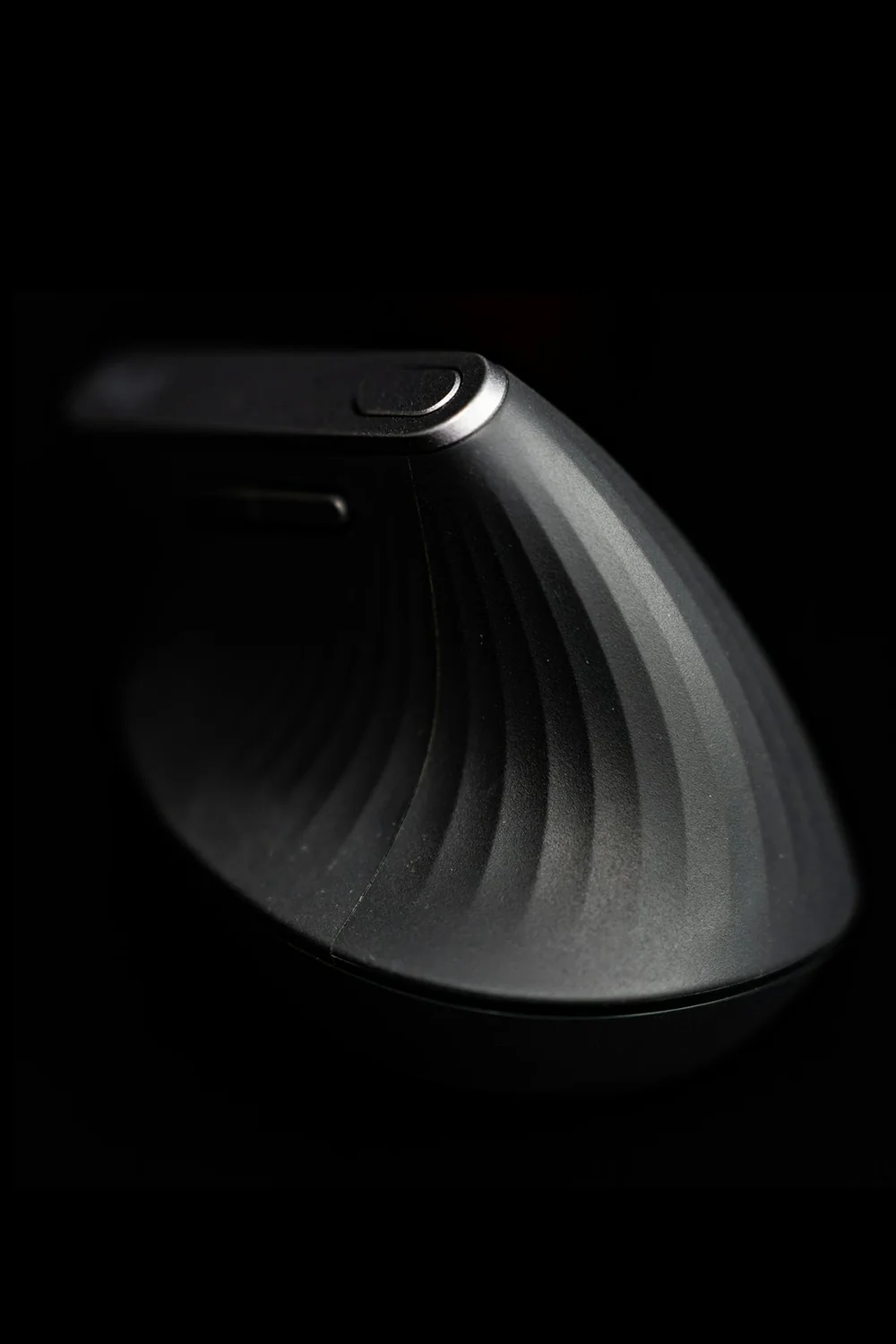
Precision Speed Scroll SmartWheel
The SmartWheel reads your finger momentum: scroll line-by-line for precision Figma artboard navigation or give it a flick to fly through thousands of spreadsheet rows or endless inspiration boards instantly.
Sculpted for Small-to-Medium Hands
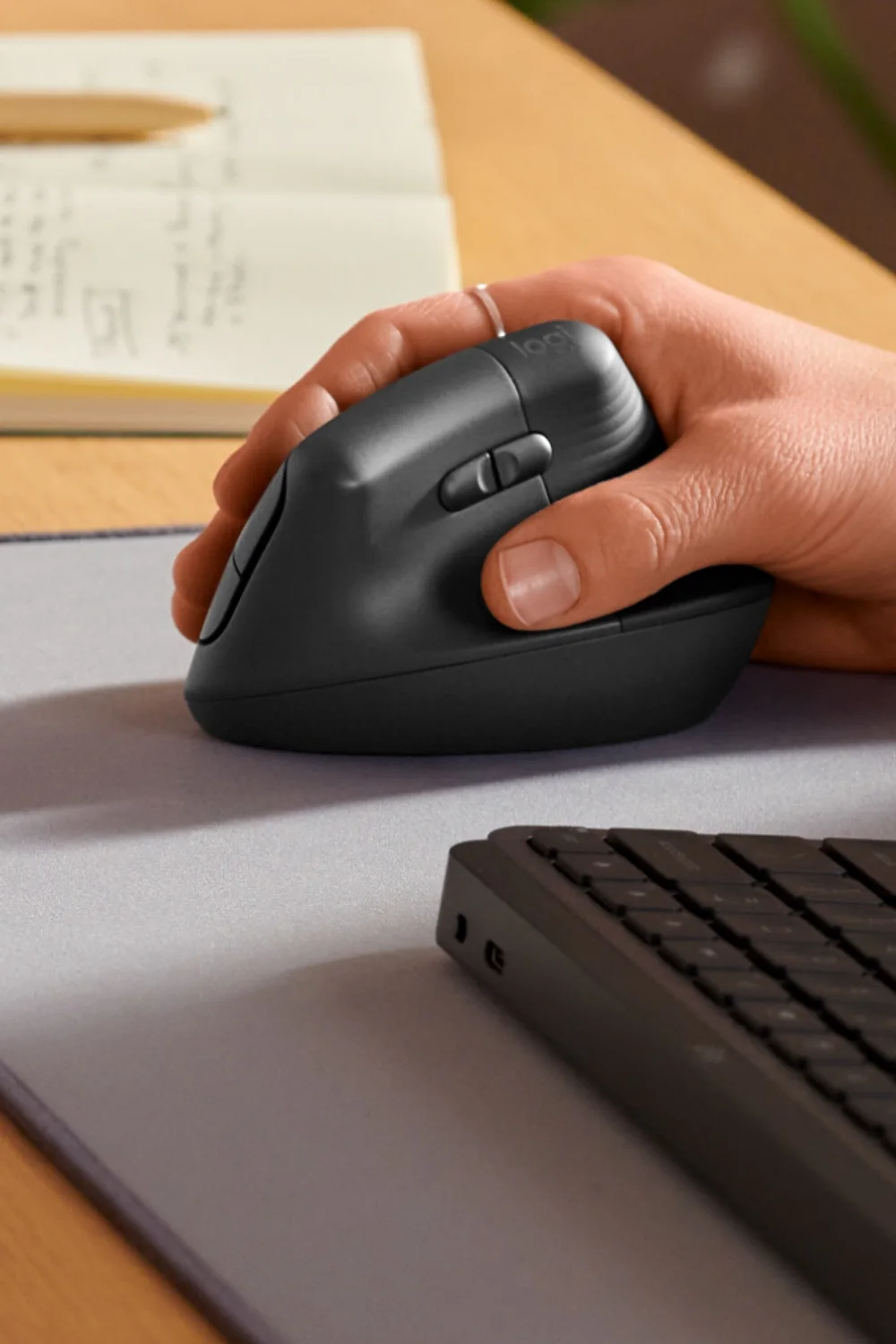
While the larger MX Vertical often feels unwieldy, the Lift was sculpted specifically for small-to-medium hand sizes. Your palm rests naturally against the ribbed rubber grip while your thumb nests in a sculpted support groove.
Silent Office & Late-Night Workflow
Equipped with Logitech's acoustic dampening switches, both primary buttons click with zero hollow plastic clatter. You can click hundreds of times during late-night client deadlines without disturbing anyone nearby.
A Vertical Mouse Option for Small-to-Medium Hands
Selected through research into listed features and potential uses. This product has not been personally used or tested.
Selected for its vertical grip design and listed connectivity options, the Logitech Lift is a candidate for people comparing alternatives to a conventional mouse. Fit and comfort vary by person; this selection does not claim pain relief or firsthand testing.
Why it made the cut:
- Immediate relief for carpal tunnel, wrist fatigue, and forearm tension
- Whisper-silent primary switches are a joy in shared studios or home offices
- SmartWheel dynamically adapts between line precision and fast scroll
- Seamless cross-computer switching across macOS and Windows
Creative pros, graphic designers, UI developers, and anyone experiencing mouse-induced wrist discomfort.
Technical Specifications & Dimensions
- Sensor Technology
- Logitech Advanced Optical Tracking (400 - 4000 DPI stepless)
- Ergonomic Angle
- 57° Handshake Vertical Angle
- Hand Fit
- Optimized for Small-to-Medium Hands (Right-Handed)
- Number of Buttons
- 6 Buttons (Left/Right-click, Back/Forward, Middle-click, DPI Switch)
- Scroll Wheel
- SmartWheel with Speed-Shift precision flywheel
- Connectivity
- Bluetooth Low Energy + Logi Bolt USB Receiver (10m range)
- Multi-Device
- Easy-Switch for up to 3 computers + Logitech Flow cross-computer control
- Battery
- 1x AA battery (Included, up to 24 months lifespan)
- Dimensions
- 4.25" × 2.76" × 2.80" (108 × 70 × 71 mm)
- Weight
- 4.4 oz (125 g)
- In The Box
- Lift Mouse, Logi Bolt USB Receiver, 1x AA Battery, Quick Start Guide
You might also like
Related Buying Guides & Articles
In-depth breakdowns, setup inspiration, and creative workflows featuring this gear.
 Desk Setup & Ergonomics
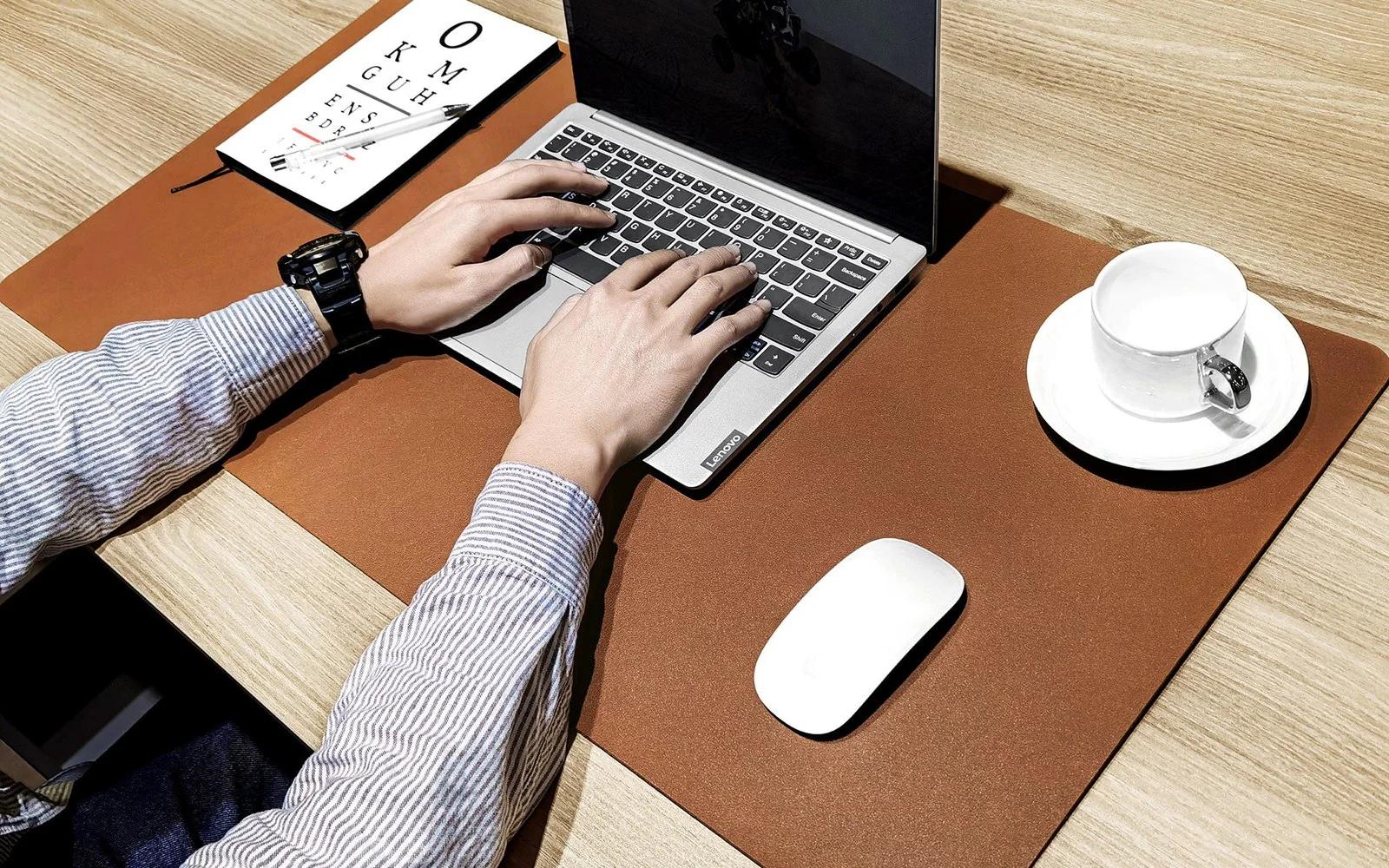
Desk Mats for Designers & Illustrators: Wool Felt vs. Leather (Which Is Best?)
A deep dive into desk pad materials for creatives: how wool felt, vegan leather, and dual-sided pads impact drawing tablet friction, mouse tracking, and wrist fatigue.
Read guide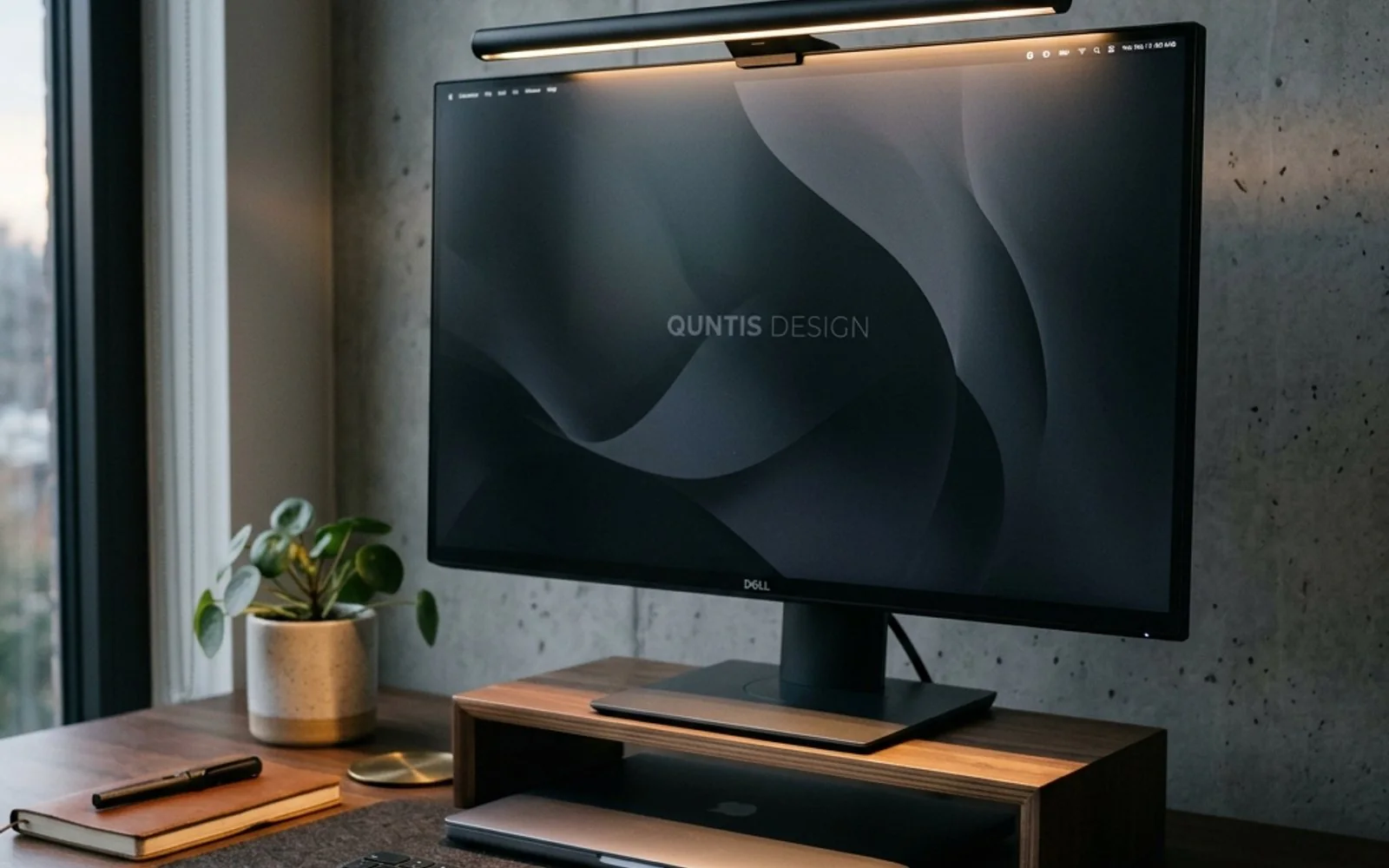 Desk Setup & Ergonomics
Why Every Designer & Remote Worker Needs a Monitor Light Bar (Say Goodbye to Eye Strain)
Struggling with evening screen glare and burning eyes? Here is why mounting a dedicated light bar atop your monitor makes a far bigger difference than any traditional desk lamp.
Read guide Desk Setup & Ergonomics
5 Tips for a More Productive Design Desk Setup
Five free-or-cheap changes to your desk setup that remove more friction than any new piece of hardware.
Read guide